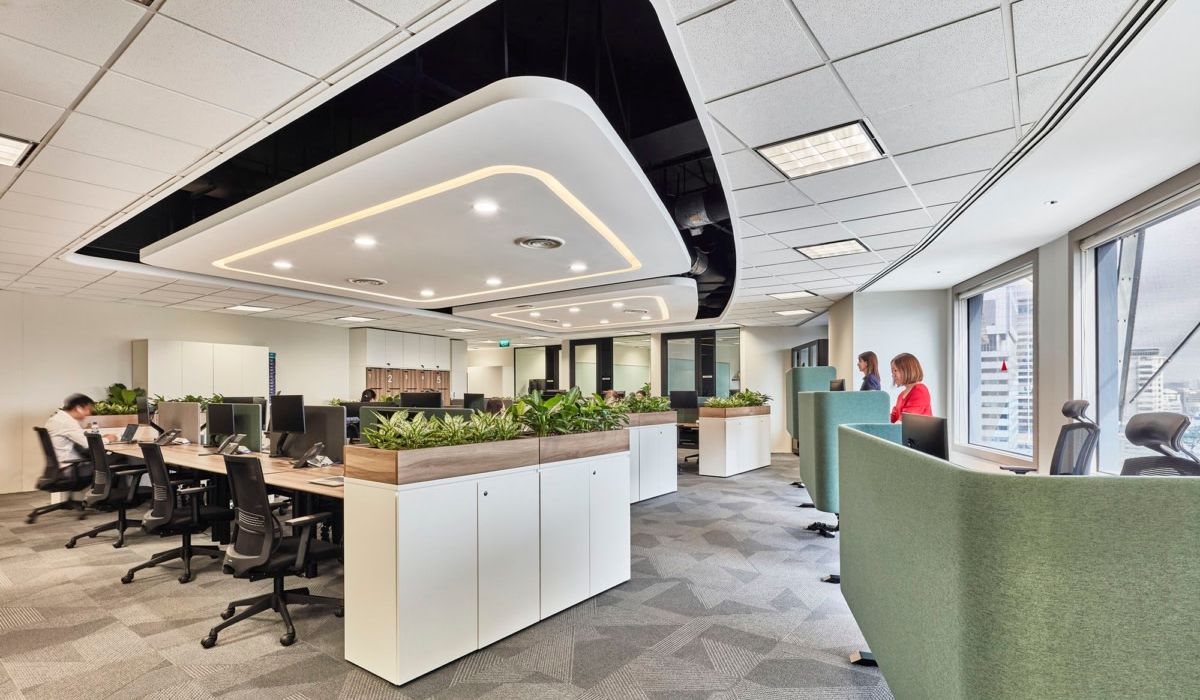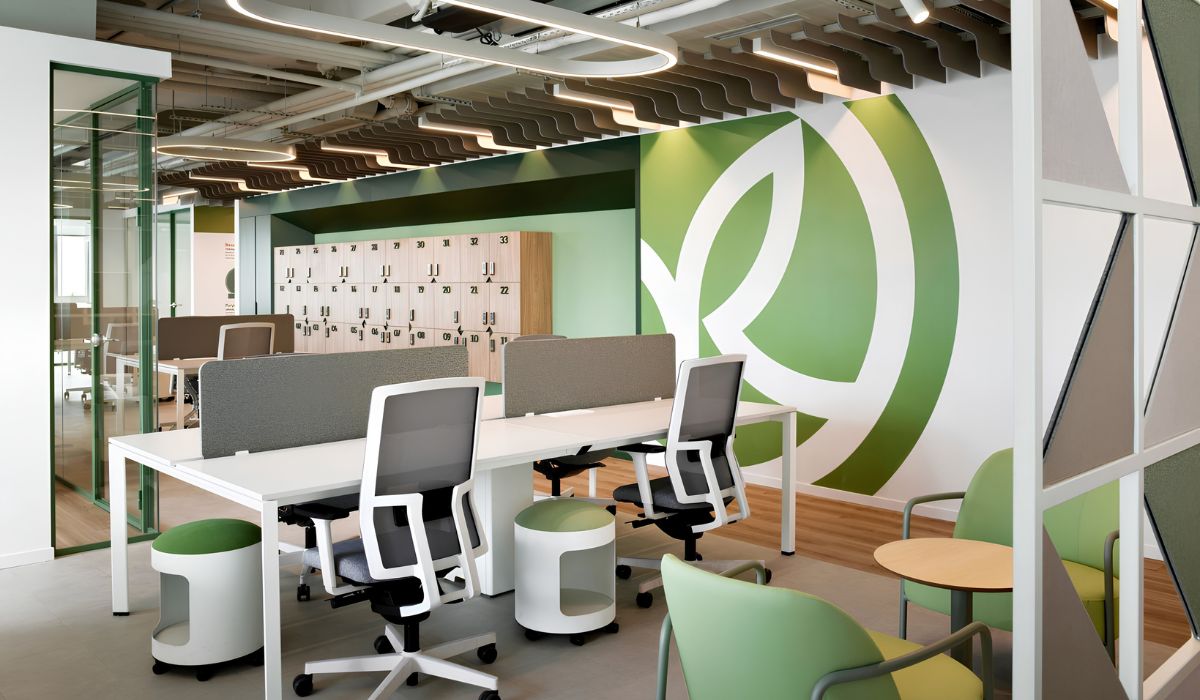
Desk dividers separate workstations and provide privacy in the office. Before selecting them, businesses should consider where employees interact, where light comes from, and how much space is available along desk edges for mounting hardware. These practical conditions help determine the appropriate materials, dimensions, and installation method.
1. What is a desk divider?
A desk divider is a panel or panel system used to separate individual workstations. It can be mounted on the desktop between employees facing each other, installed along a desk edge beside an aisle, or arranged around a desk cluster. The level of visual privacy depends on its position, panel opacity, and height relative to seated eye level.
2. Components of a desk divider
A desk divider typically consists of three main components. The materials and hardware used for each component vary depending on the design and installation method.
- Panel: The section that separates workstations. It may be made from glass, acrylic, PET fiber panels, or a fabric-covered core.
- Frame: Usually made from extruded aluminum to secure and protect the panel edges. Some designs are frameless.
- Mounting hardware: Clamps, brackets, screws, or support feet used to attach the divider to the desk, connect panels, or keep the divider upright.
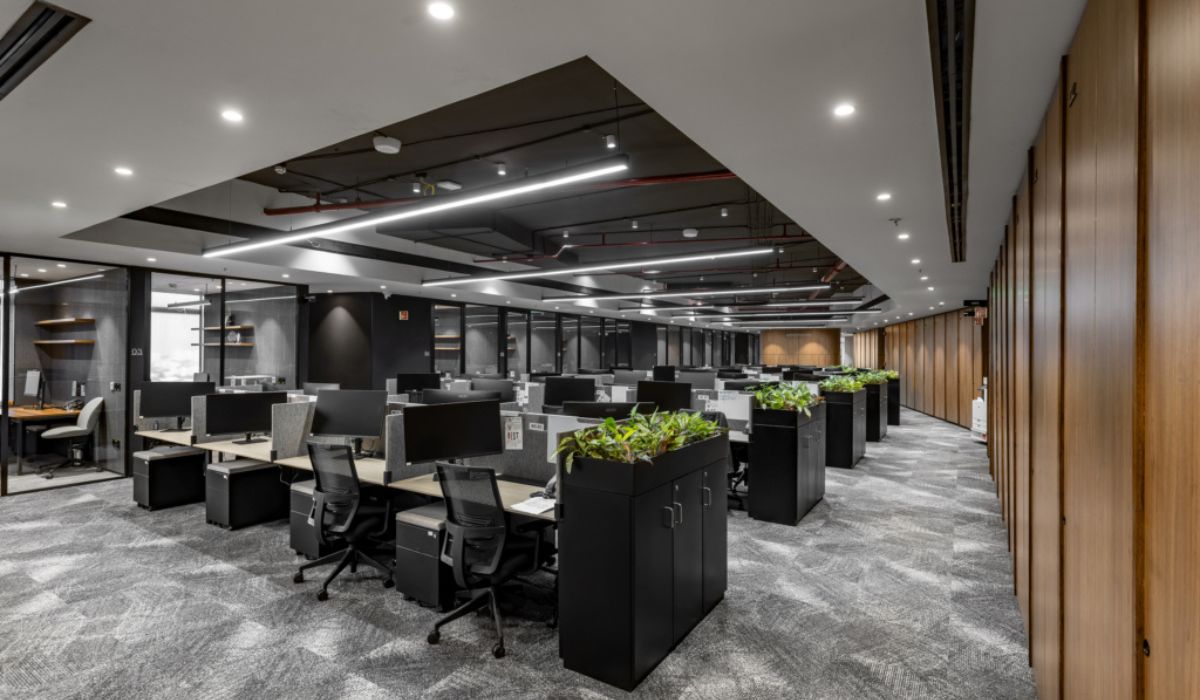
3. Common types of desk dividers
Divider materials should suit the desk layout and employees’ communication needs. Clear glass maintains visibility between workstations, while opaque panels help screen monitors and documents on desks beside aisles. Businesses should also consider light transmission and installation requirements when making their selection.
3.1. Fabric-covered and PET fiber dividers
Fabric-covered dividers have a fabric layer over a backing panel or core. PET fiber dividers use polyester fiber panels to separate workstations, typically leaving the fiber surface exposed as the finish. If employees need to pin up calendars or notes, businesses should test a sample to check how securely pins hold and select a pin length suited to the panel thickness.
Sound absorption depends on the divider’s complete construction. In areas with frequent conversations, compare product-specific test results when selecting sound-absorbing materials.
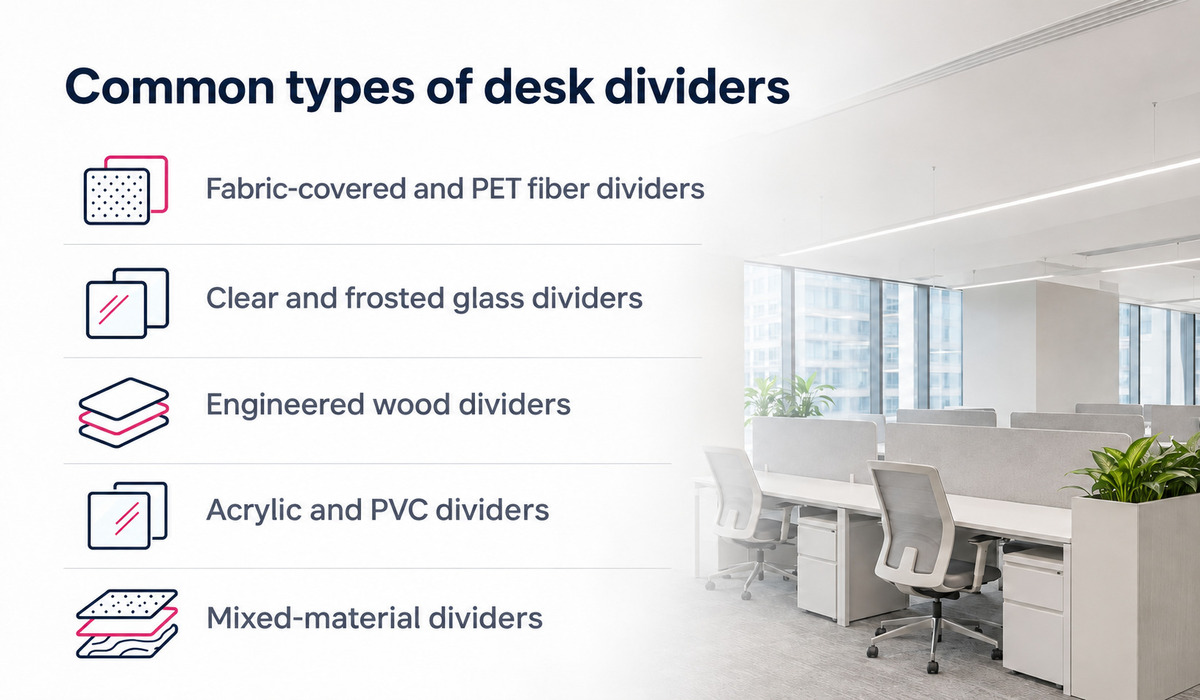
3.2. Clear and frosted glass dividers
Clear glass dividers suit desk clusters where employees need to maintain visual contact. Frosted glass obscures items on the desk while allowing light through. When approving a sample, check how effectively it screens monitors and documents from the opposite seat and the aisle. Confirm that the glass specifications are compatible with the proposed mounting hardware.
3.3. Engineered wood dividers
Engineered wood dividers provide an opaque screen and can be coordinated with the colors or woodgrain finishes of desktops and filing cabinets. For MDF panels with melamine or laminate finishes, businesses should approve the surface finish and edge banding on the same sample. Edges that employees frequently touch should be smooth and flush, particularly where the edge banding meets the board surface.
3.4. Acrylic and PVC dividers
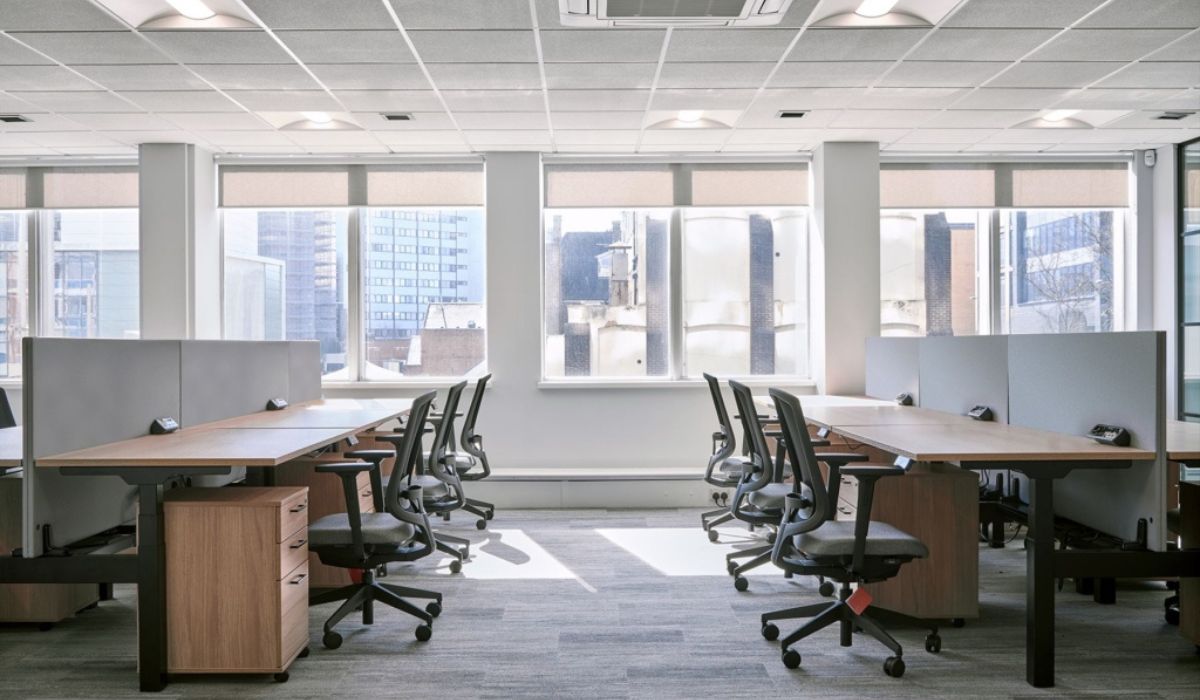
Acrylic dividers are available in different colors and levels of transparency to suit varying privacy requirements. For PVC dividers, the quotation should specify the panel type and surface finish so businesses can assess rigidity and cleaning requirements. Long dividers should be trial-installed with mounting points spaced as designed to check for vibration during desk use.
3.5. Mixed-material dividers
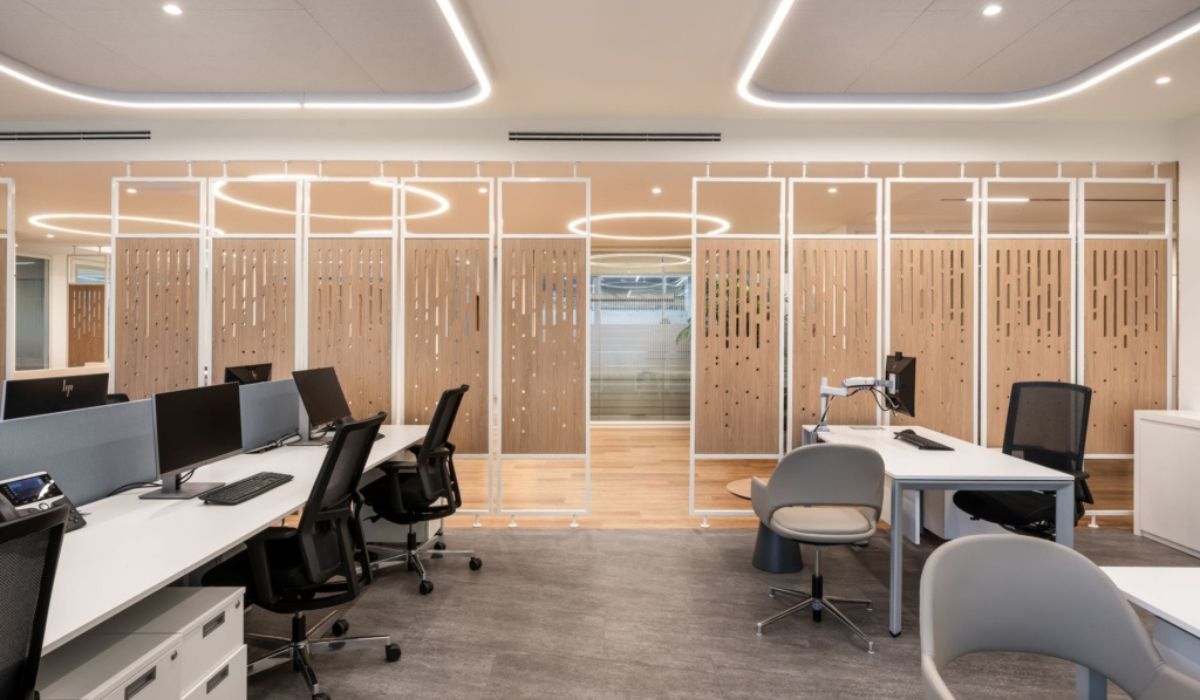
Dividers combining wood or fabric with glass provide opaque and light-transmitting sections within the same panel. A wood or fabric section close to the desktop can conceal desk items, while glass above maintains an open feel. If monitors need to be screened from people walking past, businesses should test the divider on an actual desk cluster before approving the height of the opaque section.
4. Advantages and disadvantages of desk dividers
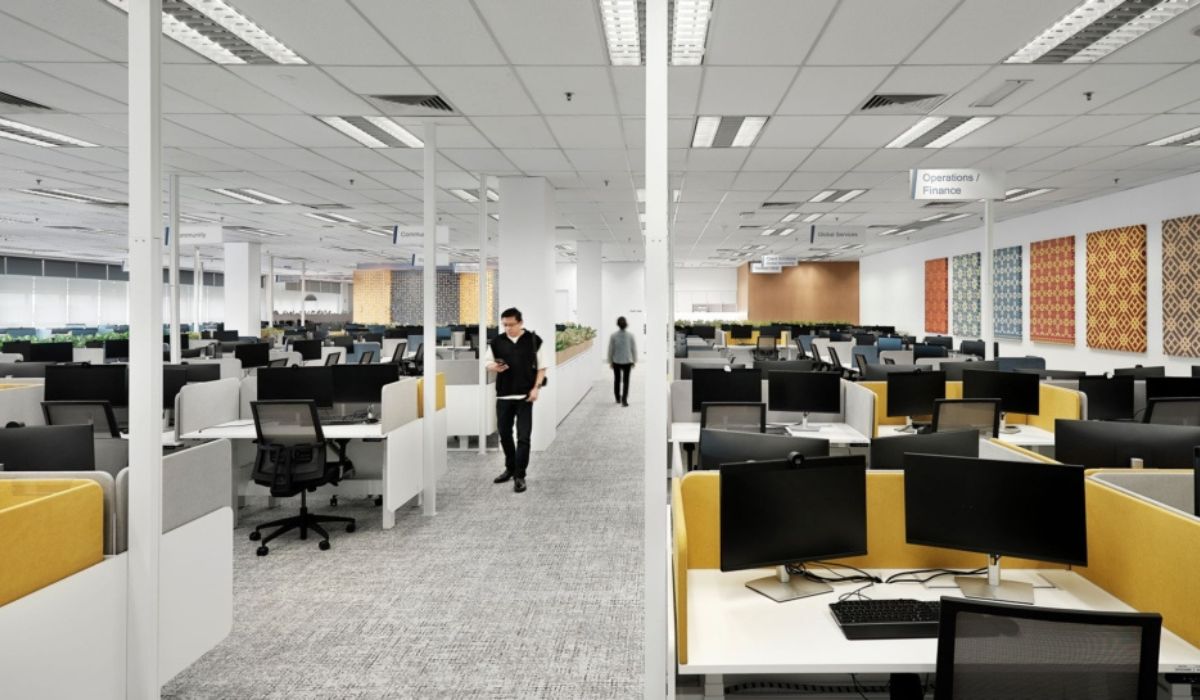
Desk dividers provide privacy for individual workstations. When selecting them, businesses need to balance screening requirements with communication needs, lighting, and usable desktop space.
4.1. Advantages of desk dividers
Desk dividers separate workstations and provide employees with privacy. When positioned appropriately, they offer the following benefits:
- Defined workstations: Establish clear boundaries between desks, giving employees their own space to organize equipment and documents.
- Greater privacy: Reduce visibility of screens, documents, and activities at the workstation.
- Fewer distractions: Screen movement in aisles and at neighboring desks, helping employees concentrate.
- Flexible layouts: Clamp-mounted dividers can be removed and transferred to another desk if the hardware is compatible.
- Visual coordination: A choice of colors, materials, and designs makes it easier to match dividers with office furniture and design styles.
4.2. Disadvantages of desk dividers
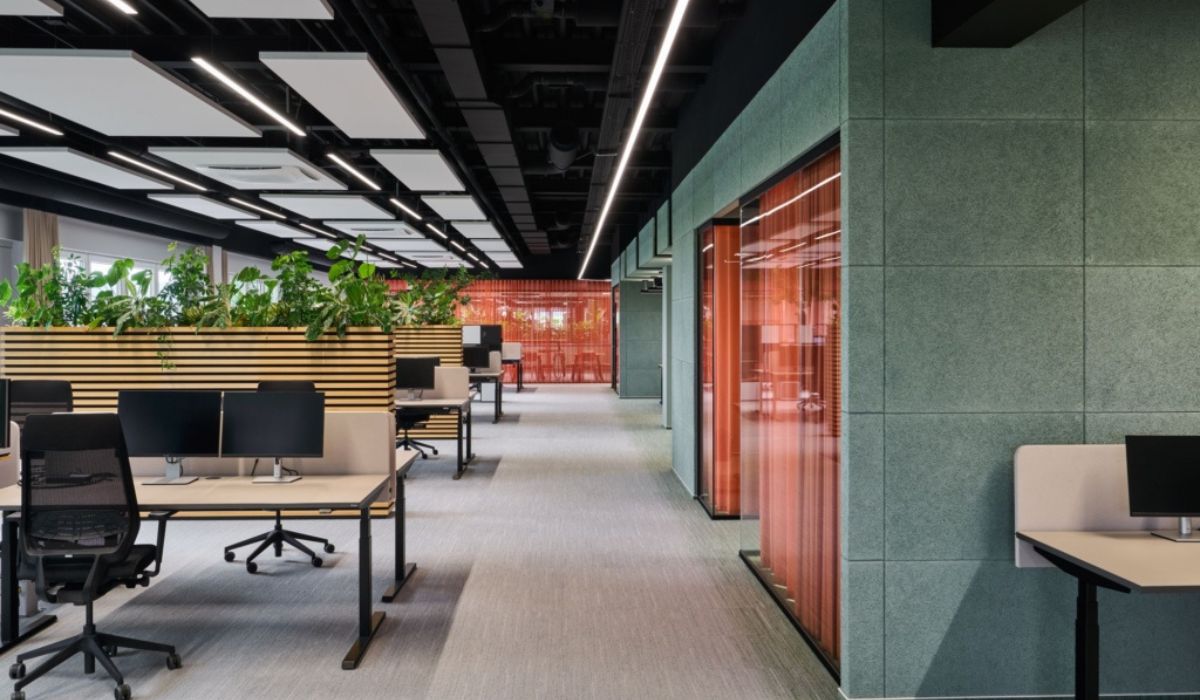
Desk dividers also have limitations that businesses should consider during selection and installation.
- Reduced light: Opaque or excessively tall dividers may block natural light, leaving some workstations poorly lit.
- Less interaction: Tall dividers obstruct sightlines and can inconvenience teams that frequently communicate face to face.
- Reduced desktop space: Support feet or mounting hardware may limit the space available for monitors, documents, and equipment.
- Limited sound insulation: Partial-height dividers may reduce some noise depending on their materials and construction, but have limited ability to prevent speech from reaching adjacent desks.
- Regular cleaning: Fabric-covered panels can collect dust, while joints and frames require periodic cleaning.
- Dependence on desk construction: Some dividers require dedicated mounting hardware, which may need replacing when the divider is moved to another desk.
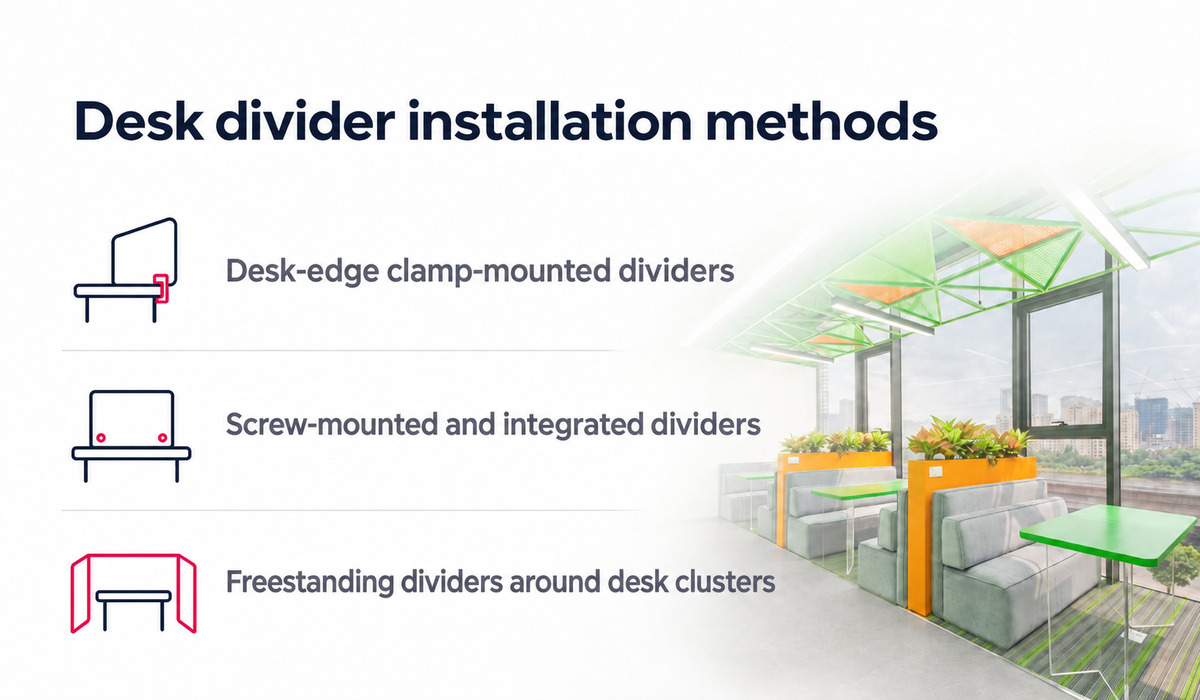
5. Desk divider installation methods
The installation method depends on the desk construction and seating layout. For existing desks, businesses should check the desk edge profile and the clearance underneath to select suitable mounting hardware.
5.1. Desk-edge clamp-mounted dividers
These dividers are secured with clamps that grip the desk edge. They suit desktops with flat edges and enough clearance to fit and tighten the clamps. For beveled or sloping edges, or desks with frame members close to the edge, check the clamp dimensions and carry out a trial installation to confirm a secure fit.
5.2. Screw-mounted and integrated desk dividers
Screw-mounted dividers are attached to the desktop or desk frame using brackets, mounting supports, and screws. Screw positions must suit the desk material and construction. When ordering new desks with integrated dividers, businesses can agree on panel positions, connection points, and cable routing clearances directly on the drawings.

5.3. Freestanding dividers around desk clusters
Freestanding dividers use separate feet or support posts to define areas around desk clusters. Allow enough clearance for circulation, pulling out chairs, and opening drawer units. If future desk layout changes are expected, businesses should check whether the panels can be dismantled and reassembled to suit the new arrangement.
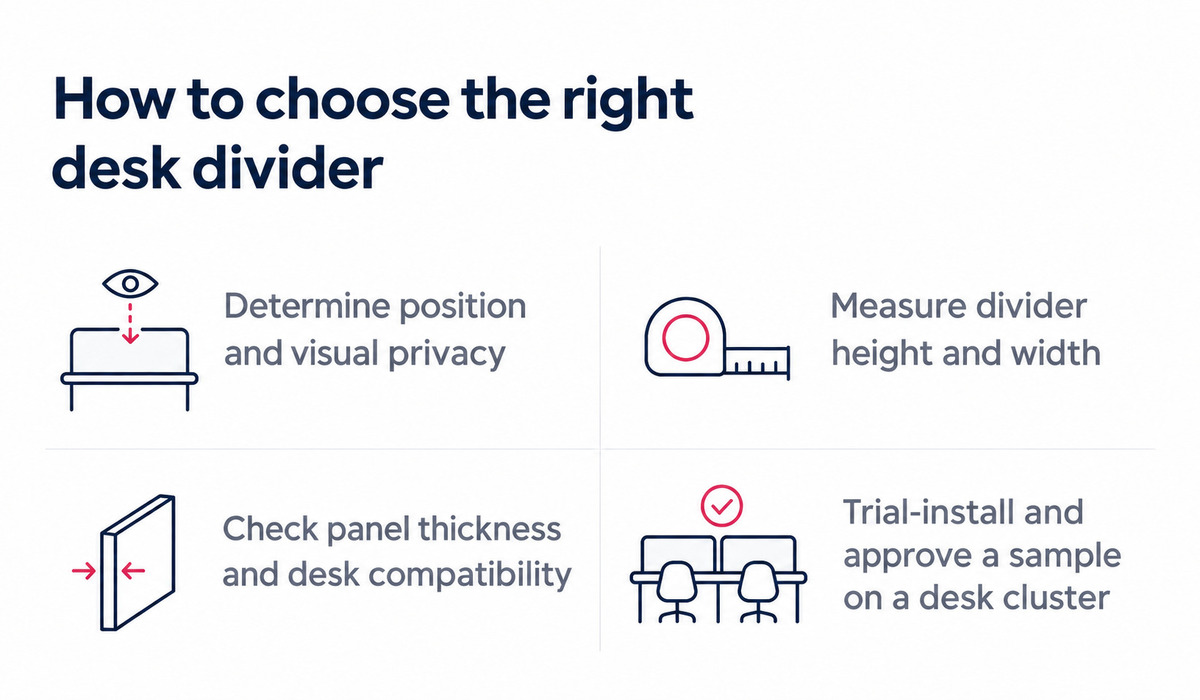
6. How to choose the right desk divider
Businesses should consider screening requirements, dimensions, and installation methods when choosing desk dividers. For offices with multiple desk clusters, divider positions should be established during office layout planning. A trial installation on one desk cluster can then help verify the selection before placing a bulk order.
6.1. Determine the position and level of visual privacy
Divider positions depend on the desk layout and employees’ privacy needs. For two rows of desks facing each other, a low central divider separates workstations while allowing easy conversation. Desks beside aisles may need side dividers to limit passersby’s view of monitors. Businesses should check sightlines from seated positions and aisles to determine suitable divider heights and locations.
6.2. Measure the divider height and width
Divider dimensions should suit the desk and the area that needs screening. For desktop-mounted dividers, height is measured from the desktop to the top of the panel. For freestanding dividers, height is measured from the floor. The width should cover the required area while leaving adequate clearance for cables, power outlets, and desktop accessories.
6.3. Check panel thickness and desk compatibility
Before selecting a divider, check the desktop thickness and clamp dimensions to ensure the mounting hardware fits. For desks with metal frames underneath, check whether the frame obstructs clamp installation or tightening. Panel thickness and the number of fixing points must also suit the divider’s dimensions, material, and installation instructions.
6.4. Trial-install and approve a sample on a desk cluster
Before installing dividers throughout the office, businesses should test a sample on a desk cluster with dimensions and equipment similar to the actual work area. Keep monitors, power outlets, and accessories in their normal positions to check the following:
| Item | What to check during the trial installation |
|---|---|
| Sightlines | Observe from the seated position, the opposite desk, and the aisle to assess visual screening. |
| Lighting and color | Check lighting on adjacent desks, along with the divider’s color and gloss level under actual conditions. |
| Monitors and desktop space | Adjust the monitor, use the keyboard, and arrange documents to check the available working space. |
| Power outlets and accessories | Check access for plugging in and unplugging equipment, cable routing, and the use of desk-mounted accessories. |
| Stability | Check the security of connections and the level of panel vibration during desk use. |
After the trial installation, businesses can adjust dimensions, positions, or hardware before approving the sample and proceeding with installation across the work area.

7. How to clean and maintain desk dividers
Regular cleaning helps limit dust buildup and keep desk divider surfaces clean and presentable. Each material has specific care requirements, so businesses should choose suitable cleaning tools and products to avoid scratching surfaces or damaging finishes.
| Surface or component | Cleaning and maintenance |
|---|---|
| Glass | Wipe with a soft cloth and a suitable glass cleaner. For glass with applied film, choose a product that is safe for the film. |
| Fabric coverings and PET fiber panels | Vacuum gently if the material permits. Blot stains with a soft cloth and test cleaning products on an inconspicuous area before use. |
| Engineered wood with melamine or laminate finishes | Wipe with a soft cloth and avoid leaving standing water on the surface. Dry edges and joints thoroughly. |
| Acrylic and PVC | Wipe with a soft cloth and a cleaner suitable for the specific plastic. Avoid harsh cleaning agents or solvents that could damage the surface. |
| Frames, clamps, and screws | Periodically check that connections remain secure. Tighten loose hardware or replace damaged components according to the supplier’s instructions. |
Cleaning frequency can be adjusted according to use and dust levels in the office. For mixed-material dividers, pay particular attention to joints and the points where panels meet frames to limit dust buildup.
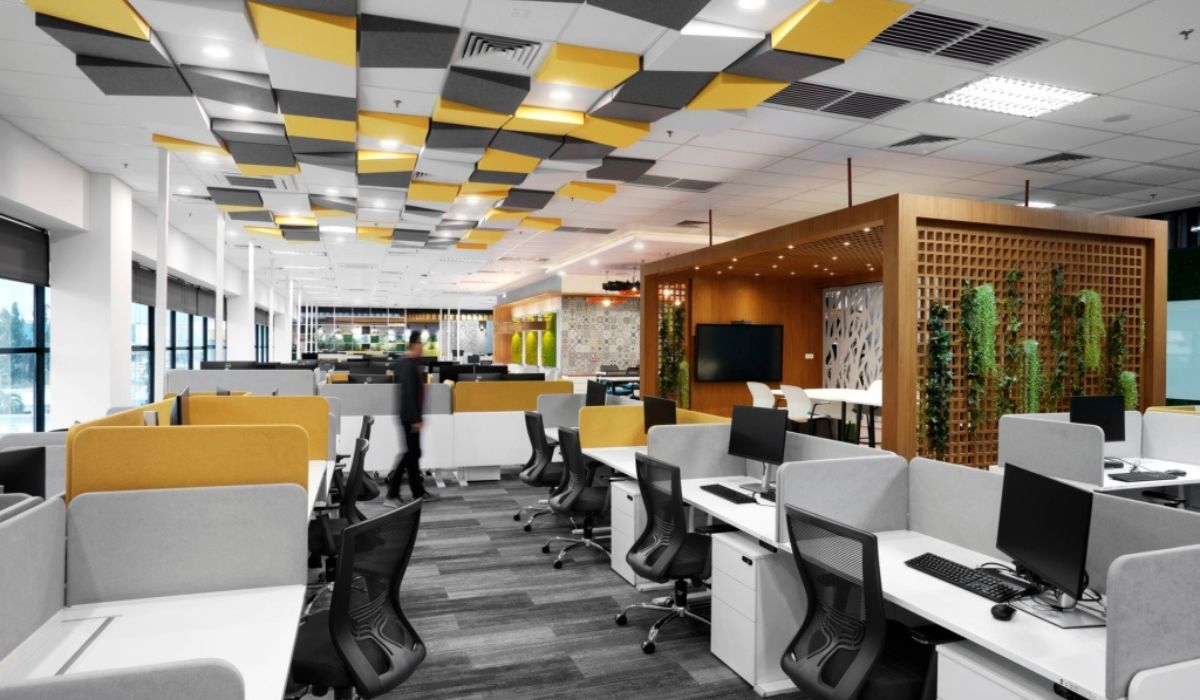
The right desk divider should provide privacy while allowing employees to communicate and work comfortably. Before placing a bulk order, businesses should trial-install dividers on one desk cluster to check sightlines, lighting, and stability. During office design and build, the divider arrangement should be coordinated with the desk system and equipment cabling.
8. Frequently asked questions (FAQ)
8.1. Are frosted glass or fabric-covered dividers better for calling areas?
Frosted glass is suitable when visual screening and light transmission are priorities. If reducing sound reflections around the desk is required, consider fabric-covered dividers with a verified sound-absorbing construction. For confidential calls, provide an enclosed calling area with suitable sound insulation.
8.2. Can dividers be installed on existing desks without drilling into the desktop?
Desk-edge clamp-mounted dividers can be used if the desktop and clearance underneath are compatible with the clamps. For desks with frames close to the edge or beveled or sloping edges, check the mounting hardware intended for the desk system and test it at the proposed installation position.
8.3. What should be checked at the highest and lowest positions when fitting dividers to height-adjustable desks?
Check the clearance between the divider and walls, neighboring desks, and equipment according to the desk system’s requirements. After removing obstructions, move the desk through its full range of travel to check whether the divider catches at any point. Cables must be long enough at the highest position and routed to avoid pinching as the desk lowers.
8.4. How should small offices choose desk dividers to preserve natural light?
Low dividers can be used along desk rows near windows so light can pass above them. If partial visual screening is required, test frosted glass or a divider with an opaque lower section and a light-transmitting upper section. When approving the sample, check the light levels on desktops farther from the windows.
8.5. What items are typically included in a desk divider quotation?
When reviewing a quotation, check whether the unit price is per panel, set, or desk cluster. Review the items covering panels, frames, mounting hardware, fabrication to specified dimensions, delivery, and installation to establish which costs are included in the unit price.