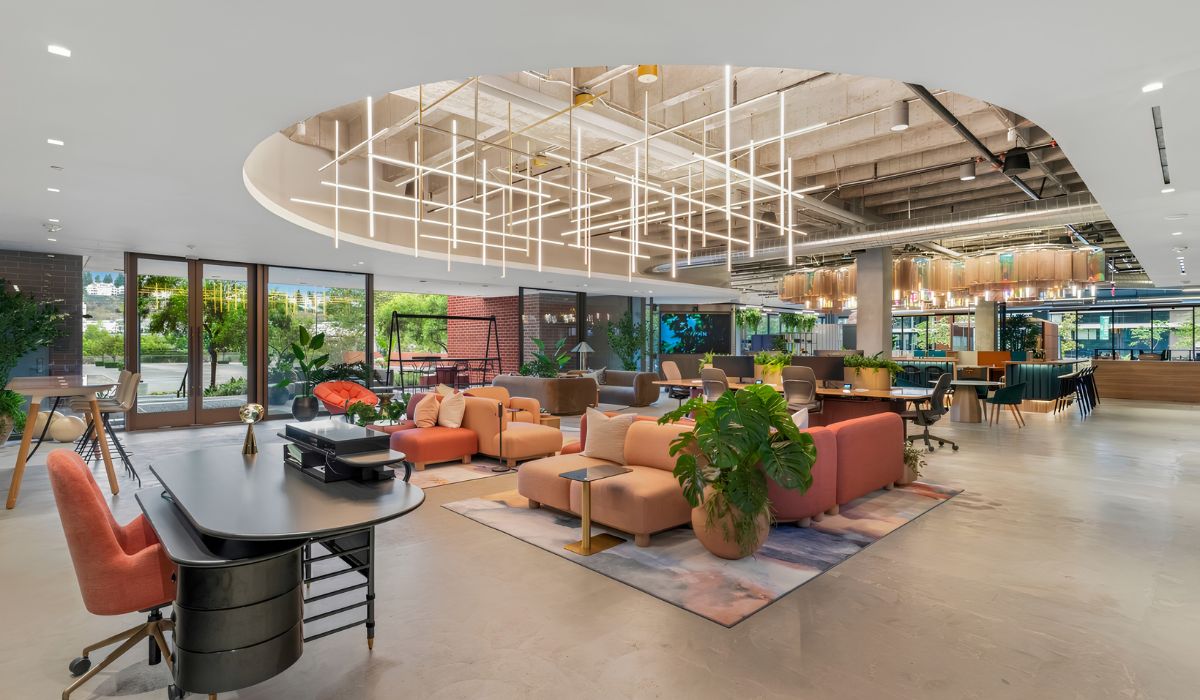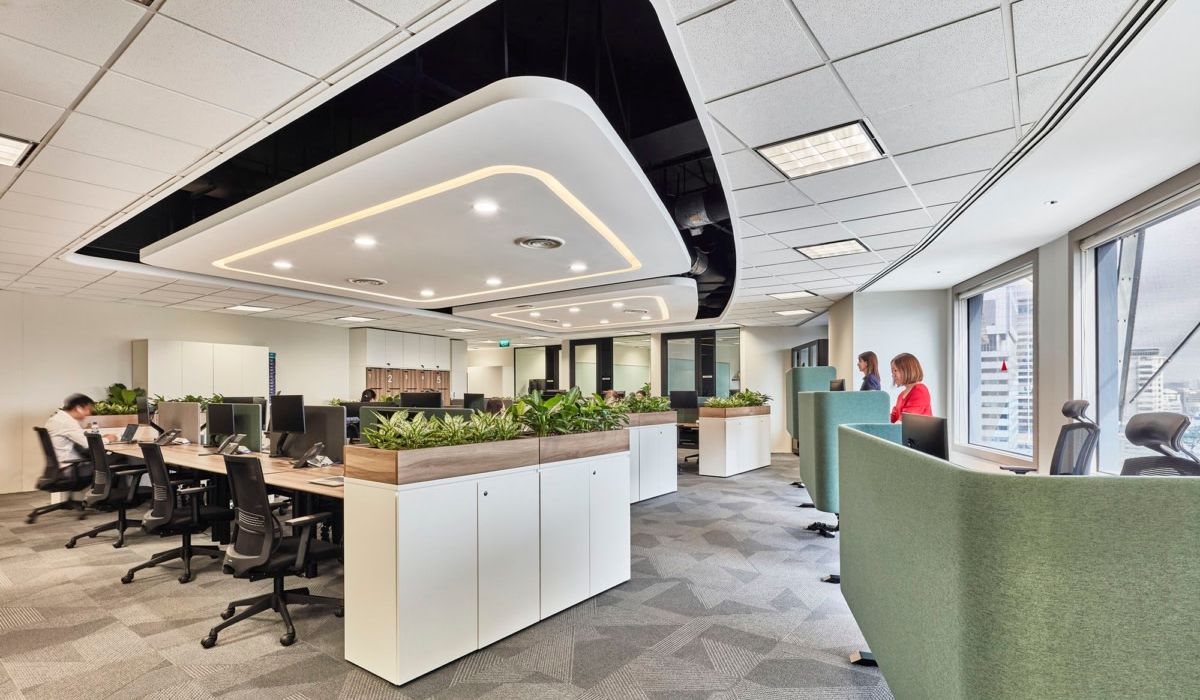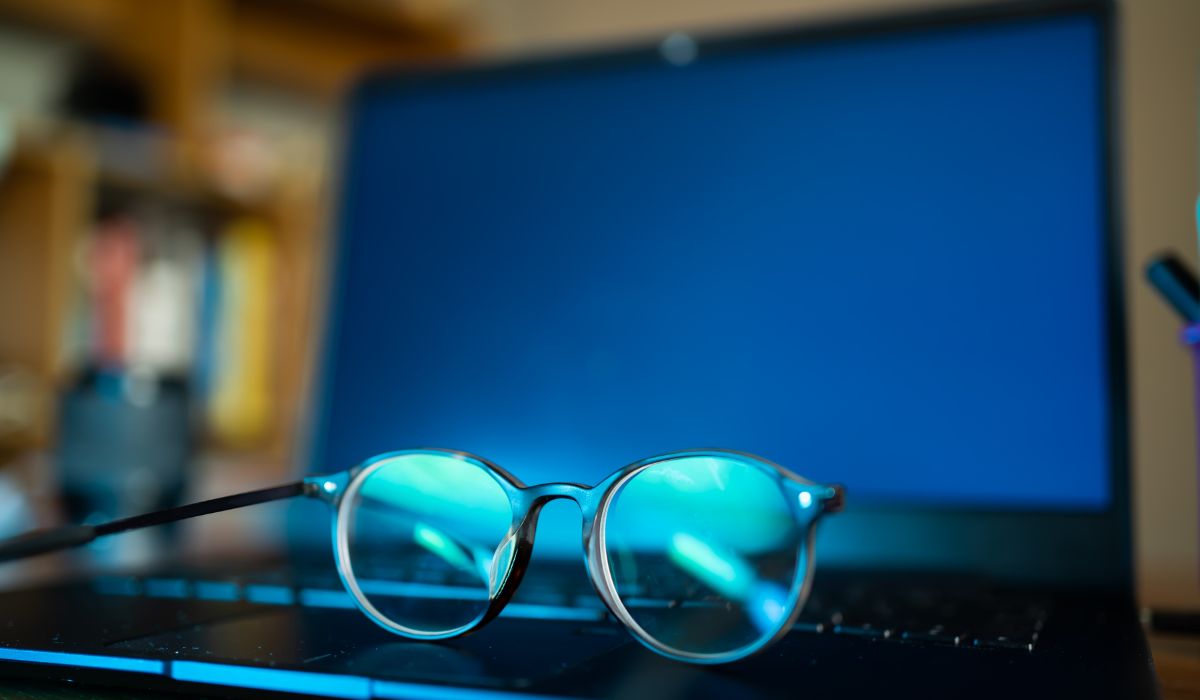
The effects of blue light depend on when and how long a person is exposed, as well as how much light reaches the eyes. In an office, effects on circadian rhythms should be distinguished from eye strain caused by prolonged computer use. Lighting, seating, and device use should align with work and rest schedules.
1. What is blue light?
Blue light is short-wavelength visible light, ranging from approximately 380–500 nm. It carries more energy than most other colors in the spectrum. During the day, blue light can support alertness and help regulate circadian rhythms. However, high exposure in the evening may suppress melatonin and affect sleep quality.
2. Sources of blue light in the office
Office blue light comes from daylight, lighting systems, and electronic screens. To assess exposure, consider the light sources at each workstation alongside employees’ viewing direction and screen-use time.
| Source | Office examples | Exposure factors to consider |
|---|---|---|
| Daylight | Light through windows, glass partitions, and skylights | The amount of light reaching the eyes varies by time of day, window orientation, seating position, and shading. |
| Lighting systems | LED lights, fluorescent lights, and desk lamps | Blue-light output varies between products. Exposure depends on brightness, beam direction, and how long the lights are on. |
| Electronic device screens | Computers, phones, and tablets | Exposure varies with screen brightness, viewing distance, displayed content, and duration of use. |
Natural light also contains blue light. When using daylight from windows, desk placement and window coverings should be coordinated to maintain clear visibility and reduce glare. Lighting adjustments should suit work and rest schedules.
3. The effects of blue light on health and work performance
Blue light helps regulate the sleep–wake cycle, while eye strain and concentration are also influenced by many other factors. Understanding each effect helps businesses choose suitable lighting layouts and device-use practices.
3.1. Role in circadian rhythms and daytime alertness
Daylight helps the body distinguish between waking and sleeping hours. Blue light contributes to circadian rhythm regulation and can support alertness when exposure is appropriate during the day. Its effects also depend on how much light actually reaches the eyes.
In an office, lighting should provide clear visibility and suit working hours. Increasing the use of cool white lighting should go hand in hand with glare control and even light distribution at each workstation.
3.2. Effects on sleep when exposed to light in the evening
Evening light can suppress melatonin, the hormone that signals it is time to rest, and delay the onset of sleepiness. The degree of impact depends on the wavelengths, brightness, exposure duration, and how close exposure is to the intended bedtime.
For employees who work late, consider both room lighting and device use after work. Switching screens to a warmer tone should be combined with appropriate brightness and usage time based on the person’s sleep schedule.
3.3. Eye strain from screen use and the limits of evidence on eye damage
Looking at screens continuously often causes employees to blink less, which can make their eyes dry and uncomfortable. Eye strain is also associated with prolonged near work, glare, and vision problems that have not been properly corrected. Dryness, fatigue, or blurred vision should therefore be considered alongside working conditions and eye health.
3.4. Effects on concentration and work performance
Suitable lighting can help employees feel more alert and comfortable. However, performance also depends on sleep, the nature of the work, and individual circumstances. Performance assessments should consider processing speed, accuracy, and work outcomes, along with employee feedback.
Sleep deprivation or eye discomfort can make it harder to maintain concentration. When employees report fatigue, slower reading, or more frequent errors, businesses should review lighting, workstation layouts, and daily routines to identify likely causes.
4. Factors that determine the effects of blue light
The same light source can have different effects depending on seating position, duration of use, and individual characteristics. When assessing a workplace, consider these factors together:
- Light spectrum: Different wavelengths affect the body in different ways. Two light sources that appear to have a similar color may still have different spectra.
- Amount of light reaching the eyes: Exposure varies with source brightness, distance, and the employee’s viewing direction.
- Time of exposure: Daylight can support alertness, while light close to bedtime may affect sleep.
- Duration and conditions of exposure: Consider both continuous exposure time and the light and dark conditions before work begins.
- Individual and job-related factors: Age, vision, daily routines, and the visual demands of each role affect lighting needs.
5. Planning office lighting and seating
Lighting should help employees see clearly, sit comfortably, and work effectively for the amount of time they use the office. Desk, window, light, and screen positions should be considered together to address discomfort at each workstation.
5.1. Combining daylight with window coverings and desk placement
Using daylight should be accompanied by shading and glare control. For desks near windows, check for direct sunlight, viewing direction, and reflections on screens at different times of day.
An office lighting design should coordinate desk positions, windows, and lighting control zones. Window coverings should be adjustable for individual workstations, avoiding the need to cover an entire area when only some desks are affected by sunlight or glare.
5.2. Selecting and controlling lights based on tasks and hours of use
Lighting should provide enough illumination for employees to read documents, view screens, and work comfortably. Requirements for illuminance, color rendering, and glare control should be checked against the office lighting standards applicable to the project.
Offices that operate into the evening can use separate lighting zones and adjust brightness as needed. When switching to warmer lighting, clear visibility must still be maintained. Color temperature should suit the work requirements and employees’ daily routines.
5.3. Controlling glare from light fixtures and interior surfaces
Lights that are too bright within an employee’s line of sight, or light reflected from desks and screens, can cause glare. When selecting office interior materials, check actual samples and their installation locations. Reflectance varies with the surface finish, even for the same type of wood, stone, or metal.
For workstation partitions, check whether the surface reflects light toward the eyes or screens. Matte, low-reflectance materials can help reduce glare. Any specific blue-light filtering capability should be confirmed using the product’s technical specifications.
5.4. Adjusting screens for seating positions and lighting conditions
Screen placement should suit the desk, chair, and the way employees use documents. Employees should be able to read clearly while sitting comfortably, without leaning close or tilting their bodies to avoid reflections.
- Position the screen approximately 50 to 70 cm from the eyes, adjusting for screen size and readability.
- Place the top edge of the screen at or below eye level so the line of sight points slightly downward toward the work area.
- Adjust brightness and contrast to match room lighting, ensuring clear text without excessive glare.
- Increase text size if it is difficult to read, maintain a comfortable sitting posture, and avoid leaning close to the screen.
During an office renovation, desk positions, power outlets, windows, and lights should be coordinated in the office design and construction plan. Reviewing these elements at the drawing stage helps create convenient workstations and address potential glare before installation begins across the space.
6. Using screens and blue-light filtering glasses
Screen-use habits should be adjusted alongside lighting and seating. Eye breaks, reduced device use before bedtime, and appropriate eyewear can address specific vision and lifestyle needs.
6.1. Taking eye breaks and blinking regularly
The 20-20-20 rule reminds employees to rest their eyes while working with screens. About every 20 minutes, look at an object approximately 6 m away for at least 20 seconds. This break changes the viewing distance after a period of close-up work.
Employees should remember to blink while reading or processing data, and alternate computer work with other activities when possible. If dryness, eye strain, or blurred vision persists, an eye examination can help determine the cause.
6.2. Reducing screen use before bedtime
People who work during the day may reduce device use for one to two hours before their intended bedtime. Room lighting should also be adjusted to provide enough light for the current activity without being excessively bright.
Night Shift or a screen’s warm-color setting should be used alongside appropriate brightness and screen time. Changing screen colors does not guarantee better sleep. Continuing to work or view stimulating content before bed can still keep users awake longer.
6.3. Understanding what blue-light filtering glasses can do
Blue-light filtering glasses may not reduce computer-related eye strain more effectively than regular glasses in the short term. When choosing glasses for work, check vision, ensure the prescription is correct, and determine an appropriate viewing distance. Blue-light filtering should be considered separately based on eye health and practical needs. Avoid choosing glasses based on a fixed number of hours of computer use.
7. Checking workplace lighting after adjustments
After making adjustments, check again at the workstation where discomfort was reported, under similar hours and conditions of use. Record the location, time of inspection, changes made, and employee feedback. Assessing effects on health or productivity requires an appropriate method and supporting evidence.
| Item | How to check | Results to record |
|---|---|---|
| Sunlight and glare | Observe from a seated eye level at the time glare usually occurs. | Light-source direction, affected location, and the effectiveness of window-covering adjustments. |
| Reflections on screens and desks | Observe light from windows and fixtures reflected on surfaces. | Source of the reflection and the effect of changing the position or surface. |
| Screen readability | Check text size, viewing distance, screen height, and brightness. | Text clarity, sitting posture, and settings that were changed. |
| Adjustability of lights and window coverings | Test switches, window coverings, and lighting controls for each area. | Whether adjustments meet the needs of each workstation and period of use. |
| Employee feedback | Compare feedback before and after the adjustments. | Level of discomfort, when it occurs, and any remaining issues. |
For projects applying WELL office lighting requirements, measurement methods and documentation should meet the relevant criteria. Assessing circadian effects requires light-spectrum data and measurements at eye level. Photobiological safety checks require specialized methods appropriate to each light source.
Managing the effects of blue light should begin with actual exposure conditions and office-use schedules. Businesses should address reported discomfort at specific workstations, assess the results, and then decide whether to extend the adjustments across the space.
8. Frequently asked questions about the effects of blue light (FAQ)
The choice of light color or screen mode also depends on the work requirements. Night shifts and persistent vision symptoms should be assessed separately in light of employees’ schedules and health.
8.1. Do yellow lights eliminate blue light completely?
Yellow or warm white lights can still emit blue light. Perceived color and color temperature do not fully describe a product’s spectrum. To assess exposure, review the light’s data alongside its brightness, installation position, and duration of use.
8.2. Can an anti-glare screen protector replace a blue-light filter?
Anti-glare features are designed to limit reflections on the screen. Blue-wavelength filtering is a separate characteristic that must be confirmed using product data. A screen protector should also preserve readability and avoid making users increase brightness excessively.
8.3. Can designers who need color accuracy use a screen filter mode?
When evaluating colors or reviewing designs, use screen settings that suit the color-management workflow and disable automatic color changes. Night Shift makes the screen warmer and can affect color perception. After color-critical work, users can adjust the display based on their needs.
8.4. Should night-shift employees follow the same approach as day-shift employees?
Adjustments should account for shift schedules, alertness requirements, and employees’ sleep times. Reducing light during a night shift without considering the work can affect visibility and safety. For complex shift patterns, lighting plans should be coordinated with appropriate occupational health guidance.
8.5. When should employees seek specialist care for computer-related eye strain?
An eye examination is advisable if dryness, eye strain, or blurred vision persists despite taking breaks and adjusting the workstation. Sudden vision loss, significant eye pain, or flashes of light accompanied by many dark spots in the field of vision require prompt medical attention. Do not assume every symptom is caused by blue light.