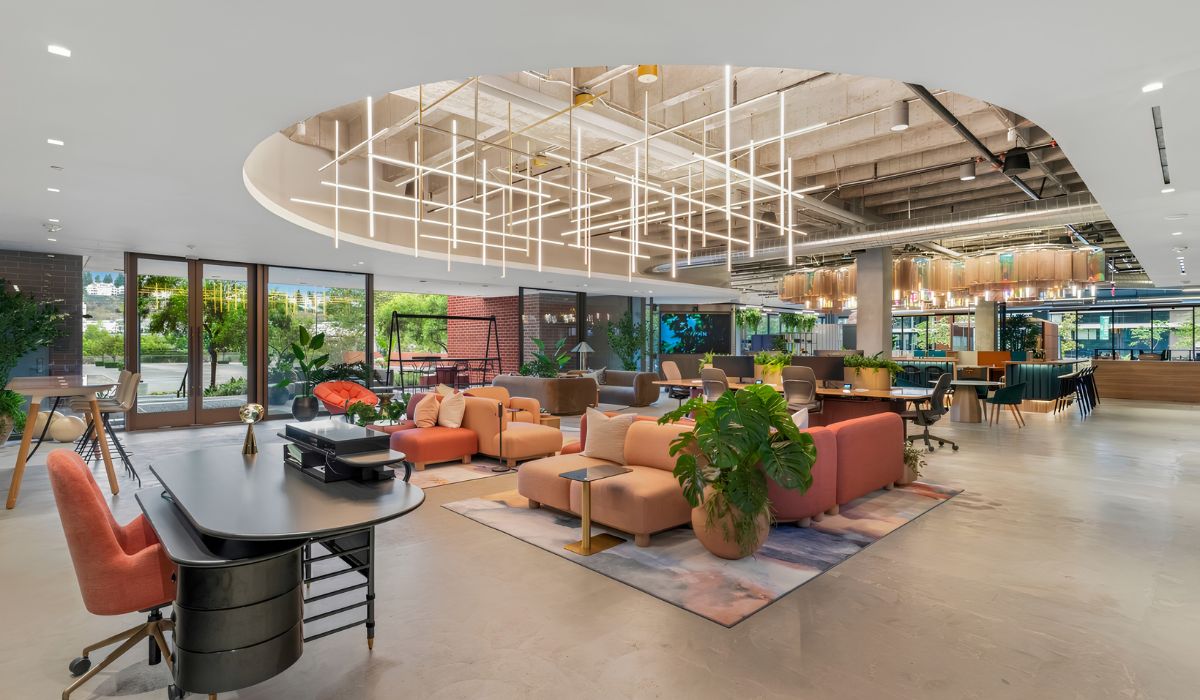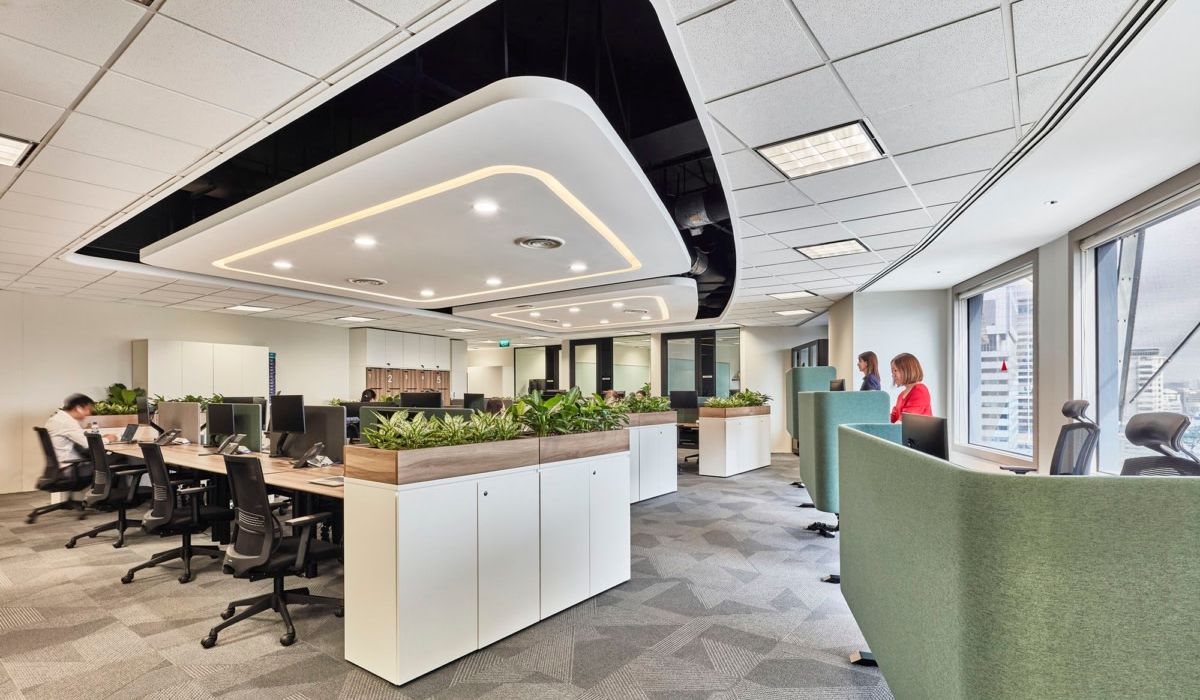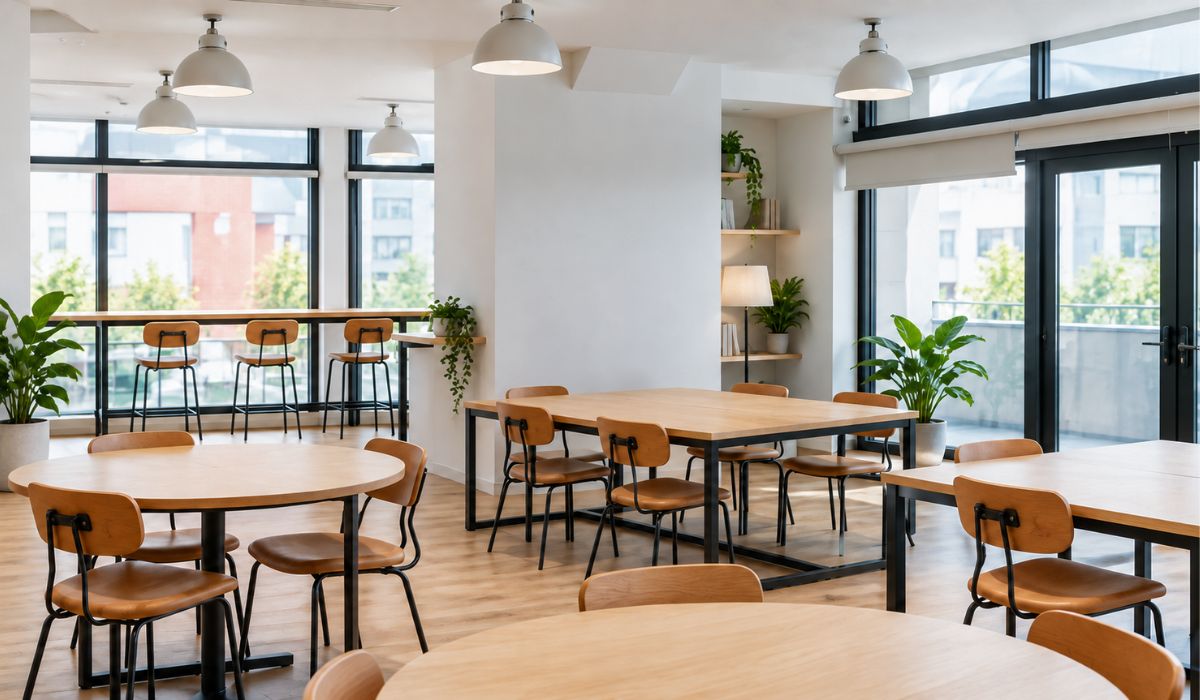
Hot-desking is a flexible seating arrangement that allows multiple employees to use the same desks at different times, based on their needs. It can help businesses allocate space more flexibly when office attendance varies. However, its effectiveness depends on attendance schedules, job requirements, and how seating is managed.
1. What is hot-desking?
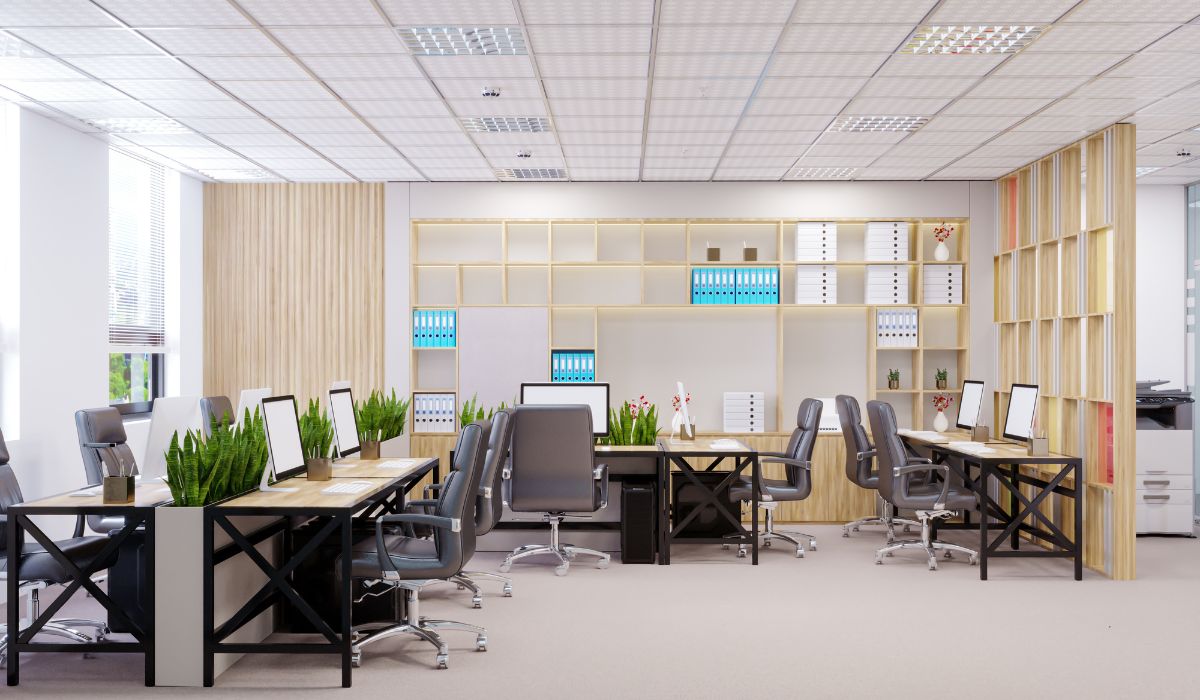
Hot-desking is a workplace model in which desks are not permanently assigned to individual employees. Employees can choose an available desk or reserve a seat in accordance with company policy. After use, the desk is made available for another employee.
Hot-desking can be implemented in a company’s private office or offered as flexible seating at a coworking space. The model does not require the entire office to have an open-plan layout. Businesses can still provide assigned desks, private offices, and support spaces where needed.
2. How does hot-desking work?
Hot-desking allows multiple employees to use a group of desks at different times. Businesses can let employees choose an available desk or reserve one through a system.
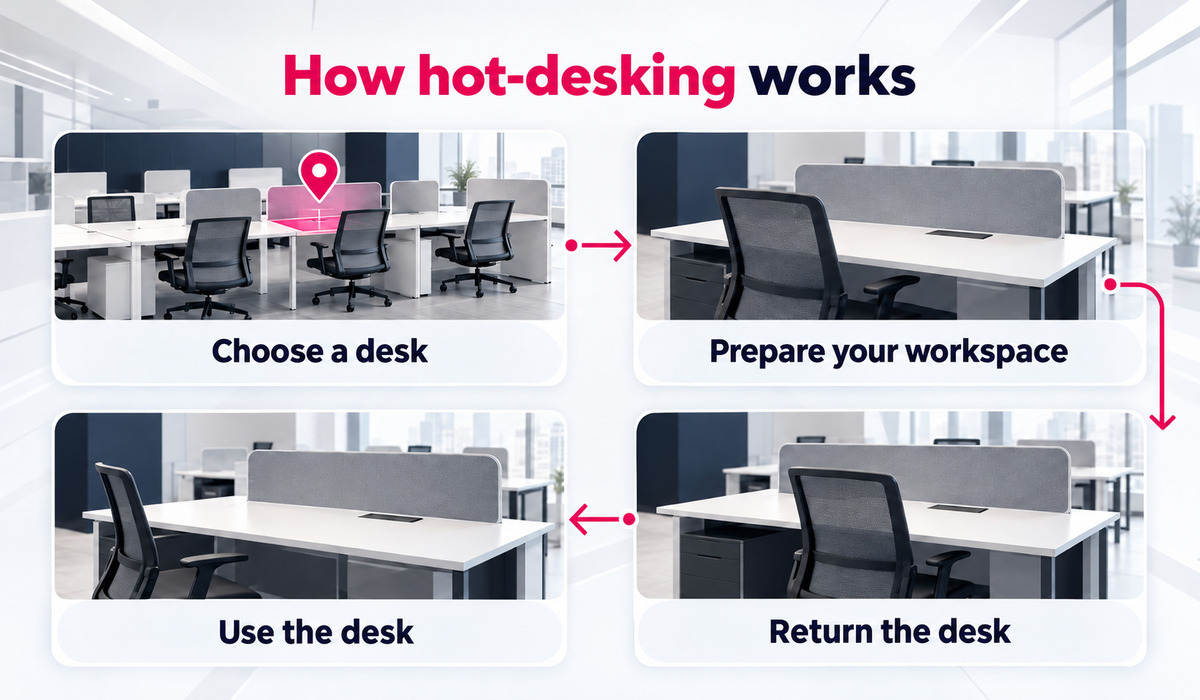
Employees typically use a desk in the following steps:
- Choose a seat: Check for an available desk or confirm a reservation in accordance with the rules.
- Set up the workspace: Adjust the desk and chair, and connect a computer and any necessary equipment.
- Use the desk: Work at the selected desk and use support spaces when needed.
- Leave the seat: Clear personal belongings, store documents, and make the seat available when finished.
The setup depends on the number of desks, attendance schedules, and how the business manages seating. When relatively few employees share desks, the business can use a simple walk-in policy. If it needs to manage and allocate many reservations, a booking system can help identify available desks and assign suitable seats.
3. Benefits and limitations of hot-desking
Hot-desking lets businesses adapt desk use as employee attendance changes. However, sharing desks also creates requirements for seating arrangements, storage, and equipment management.
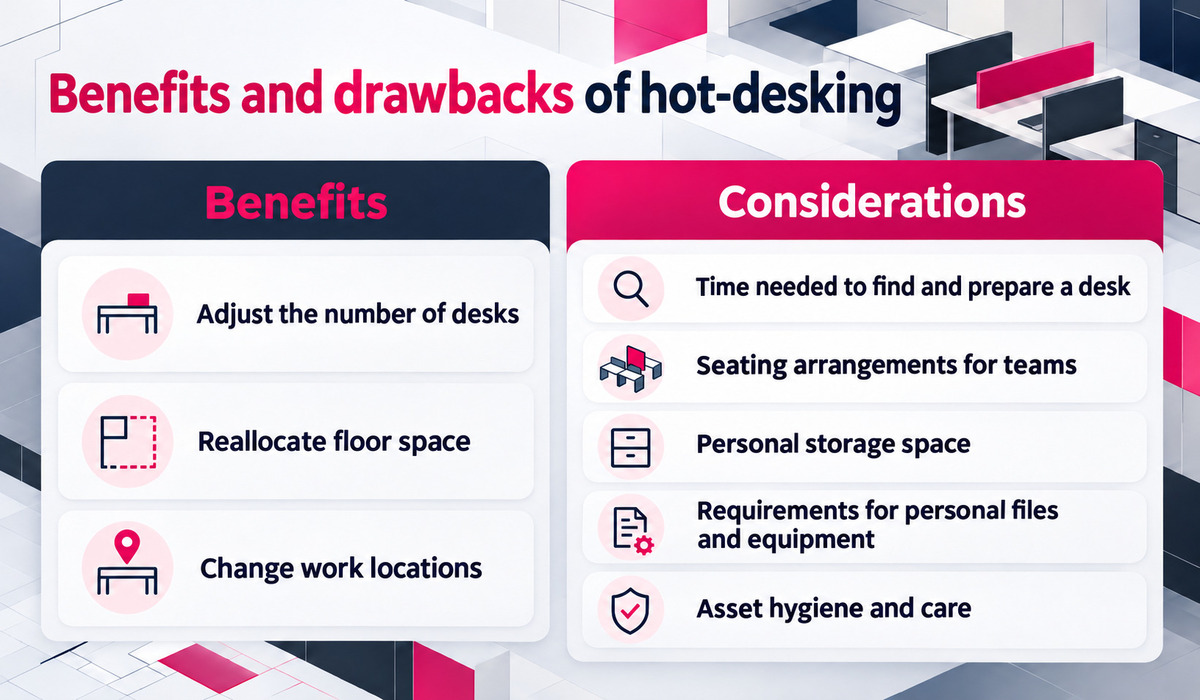
3.1. Benefits of hot-desking
When employees have different attendance schedules, multiple people can take turns using the same desk. Potential benefits for businesses include:
- Adjusting the number of desks: When fewer employees are present at the same time than the total workforce, the business can provide desks according to actual demand.
- Reallocating floor space: Space freed up from desk areas can be used for meeting rooms, collaboration areas, or other office functions that are needed.
- Changing work locations: Employees can move seats when their team or schedule changes.
The potential to reduce the area allocated to desks depends on the existing floor plan and each department’s requirements. Collaboration also depends on seating arrangements and the availability of suitable spaces for discussion. Teams that work together frequently still need nearby seats to coordinate effectively.
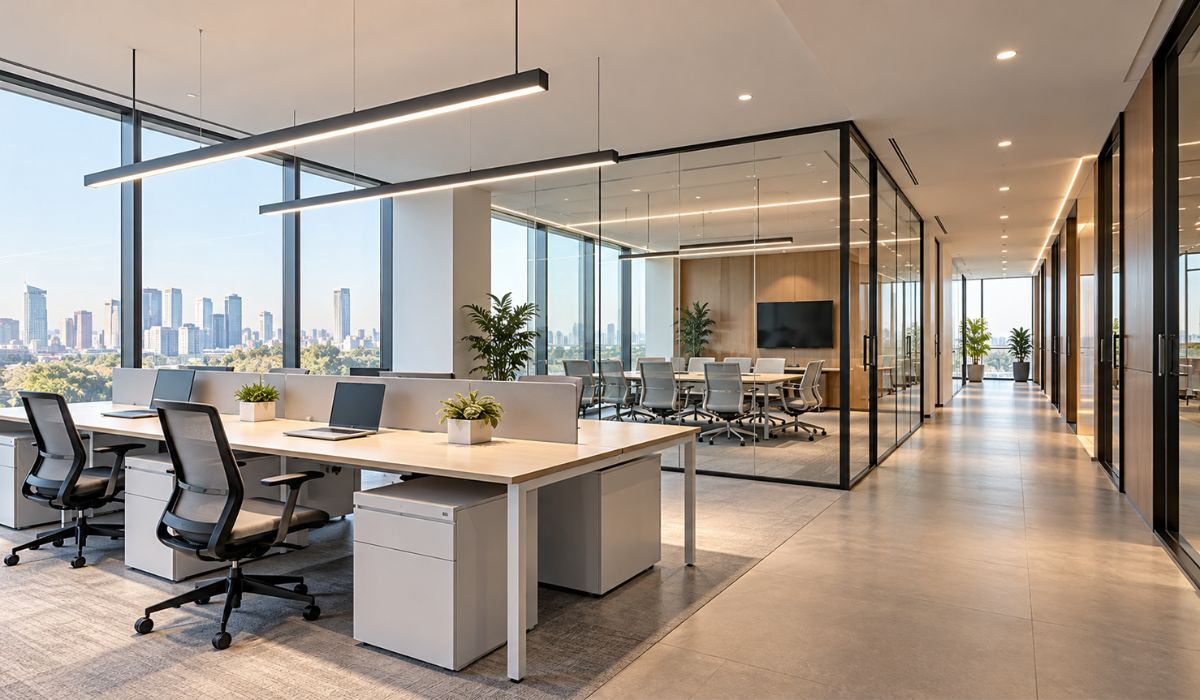
3.2. Limitations to consider
When employees share desks, businesses should consider the following:
- Time spent finding and setting up a seat: Employees may need extra time if desk management or equipment connections are inconvenient.
- Seating teams together: Employees who collaborate frequently may have difficulty finding nearby seats.
- Personal storage: Unassigned desks limit employees’ ability to keep personal belongings at their workstations.
- Dedicated equipment and records: Businesses should consider the need to store documents, use specialized equipment, and work from a familiar location.
- Cleaning and asset care: Shared desks and equipment need rules for cleaning, maintenance, and handling documents after use.
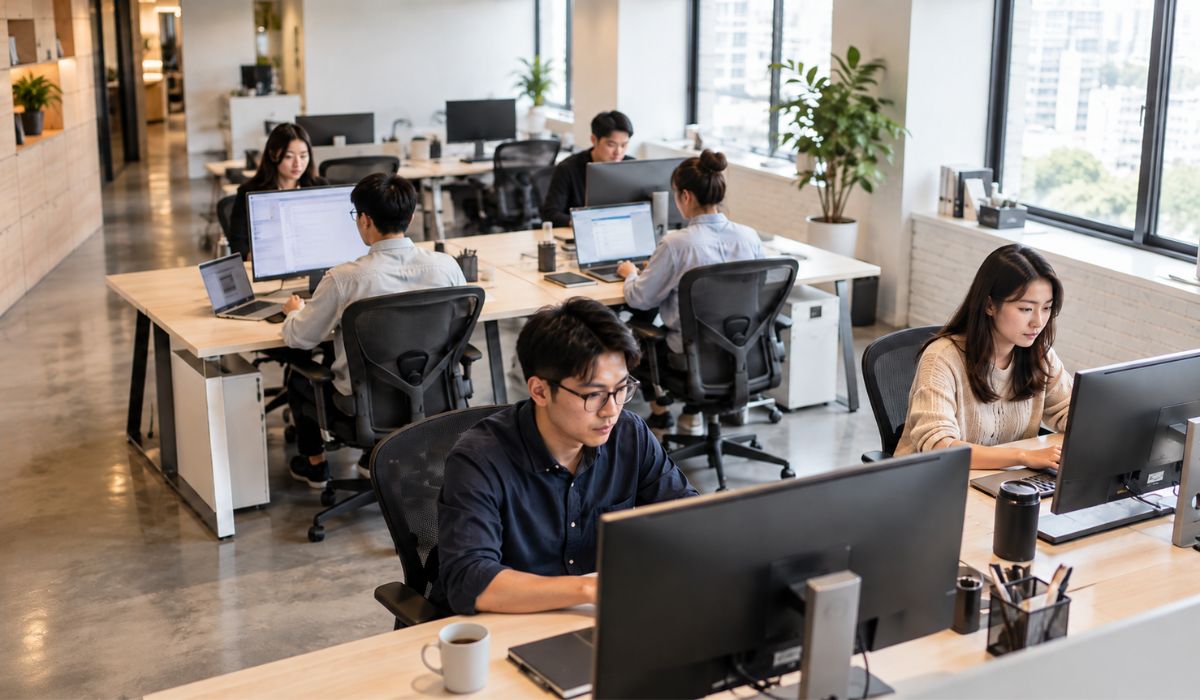
4. How does hot-desking differ from assigned desks?
Hot-desking and assigned desks differ in how seating is allocated. With hot-desking, multiple employees can take turns using the same desk. With an assigned desk, each workstation is allocated to one employee under the applicable usage policy.
| Criteria | Hot-desking | Assigned desk |
|---|---|---|
| Seat allocation | Multiple employees take turns using one desk | One desk is assigned to one employee |
| How it is used | Choose an available desk or reserve one according to the rules | Use the assigned desk |
| Personal belongings | Usually stored elsewhere after use | May be kept at the desk, subject to policy |
| Changing seats | Depends on desk availability and usage rules | Requires a change to the allocation |
| Suitable when | Employees do not need a permanently assigned desk | The work requires a stable location or dedicated equipment |
5. When is hot-desking suitable for a business?
Hot-desking may suit businesses where desk demand changes with attendance schedules and employees’ work allows them to change seats. The decision to implement it should consider the number of people present at the same time, as well as each team’s equipment, security, and working requirements.
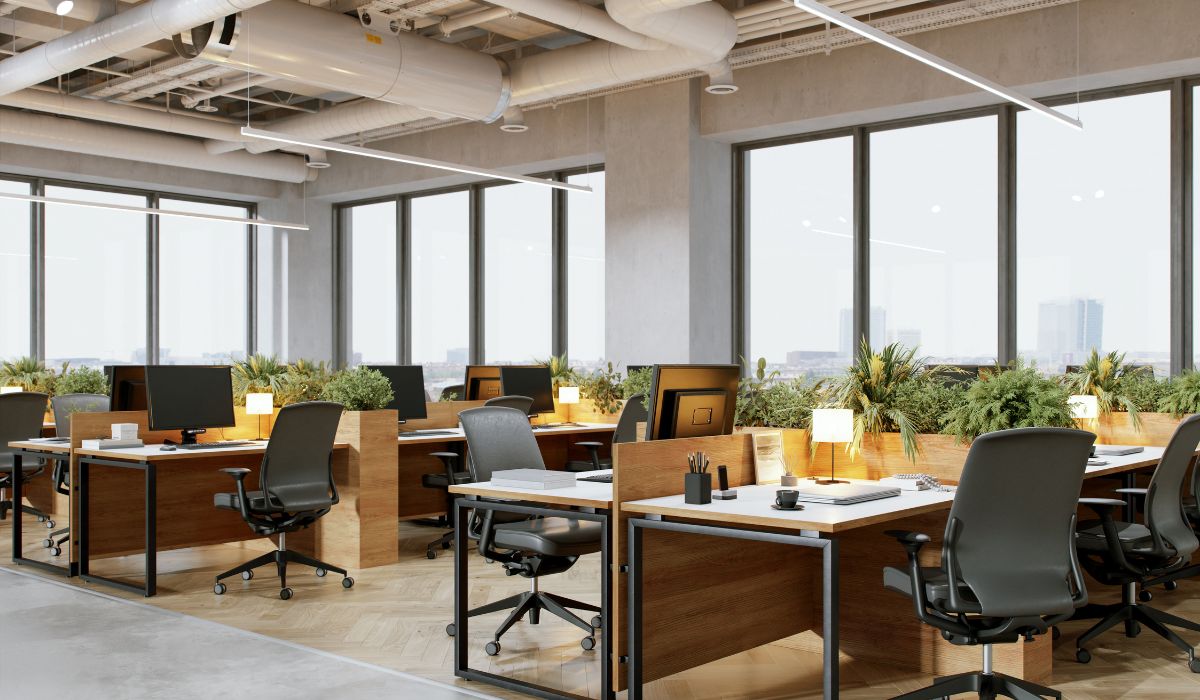
5.1. Attendance schedules and desk demand
Businesses should assess desk demand based on the number of people present at the same time, rather than relying only on total headcount. Factors to review include:
- Daily attendance schedules: Record how many employees come to the office each workday.
- Peak attendance periods: Identify when many employees are present at once and how many desks they need.
- Team requirements: Review in-person schedules and when each department needs to be in the office.
Businesses with hybrid work arrangements also have attendance levels that vary according to schedule. When several departments are in the office on the same day, desk demand may increase significantly.
Businesses should determine seating needs based on job requirements, attendance schedules, and actual desk usage. If they do not yet have this data, they should survey how many people are present at the same time and when desks are used before deciding whether to change the number of workstations.
5.2. Job requirements, equipment, and security
Whether hot-desking is suitable depends on each role’s equipment, document storage, and information security requirements. Businesses can assess the following situations:
- Laptop use: Employees who primarily use laptops and do not need fixed equipment can generally change desks more easily.
- Specialized equipment and paper records: Work that requires a workstation, multiple peripherals, or paper document storage may call for a stable location.
- Information security: Teams that regularly handle sensitive information should be assessed for security needs and access to private discussion spaces.
Within the same department, some roles may be able to use flexible desks while others need assigned desks. Businesses should assess individual job requirements rather than making decisions based solely on department names. The two seating arrangements can be combined to meet different teams’ needs.
6. Requirements to prepare for hot-desking
To implement hot-desking, businesses should check whether desks and chairs can be adjusted and whether equipment, power, and network connections can be arranged appropriately. Requirements for each workstation depend on the existing floor plan and the work being done. The same equipment list does not need to be applied to every desk.
6.1. Desks and chairs with adjustment options
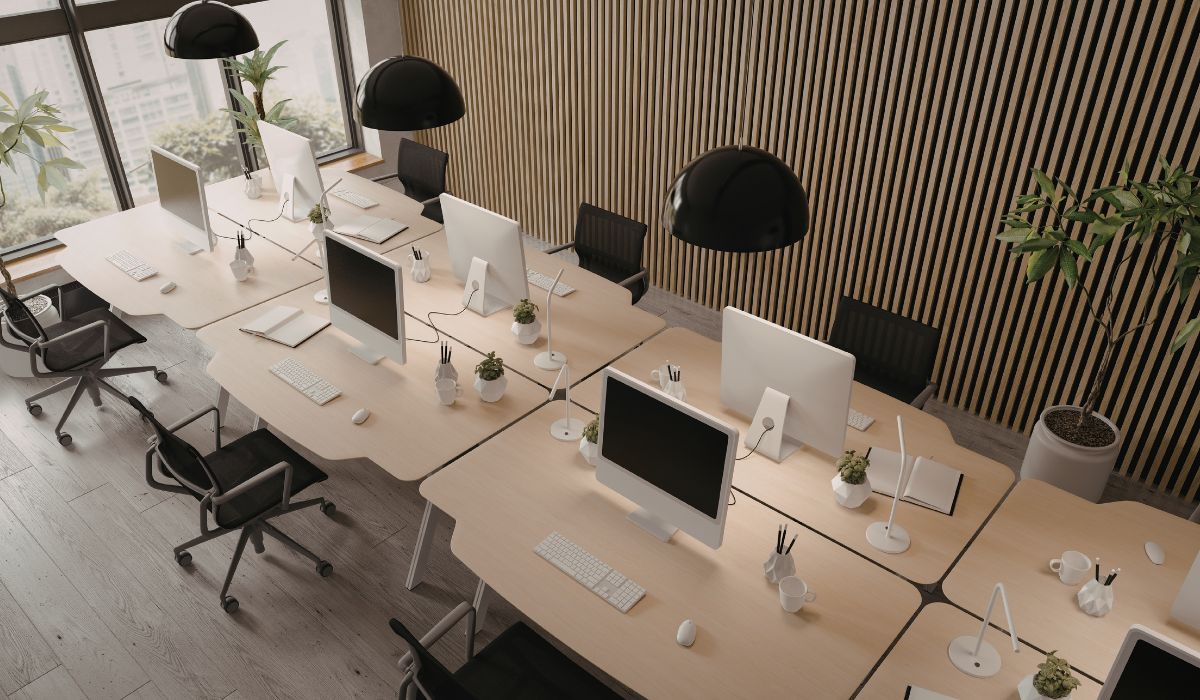
Shared desks and chairs should be adjustable to accommodate employees with different body types and needs. Chairs should let employees adjust their posture and position in relation to the desk, monitor, and keyboard.
Businesses can consider height-adjustable desks, monitor arms, and other adjustment accessories based on job requirements and budget. Employees need time to adjust the desk, chair, monitor, and peripherals before starting work, especially when they change seats frequently.
6.2. Power, network, and equipment connections
Power and network infrastructure should support the number of people working at the same time, their equipment, and the desk layout. Businesses should check the following:
- Power and network access: Check outlet locations, wireless connectivity, and the need for wired network access.
- Equipment connections: Consider docking stations compatible with external monitors and peripherals to simplify desk changes.
- Technical specifications: Assess Wi-Fi 6/7, desk-mounted USB-C ports, and shared monitors based on actual equipment needs rather than installing them uniformly.
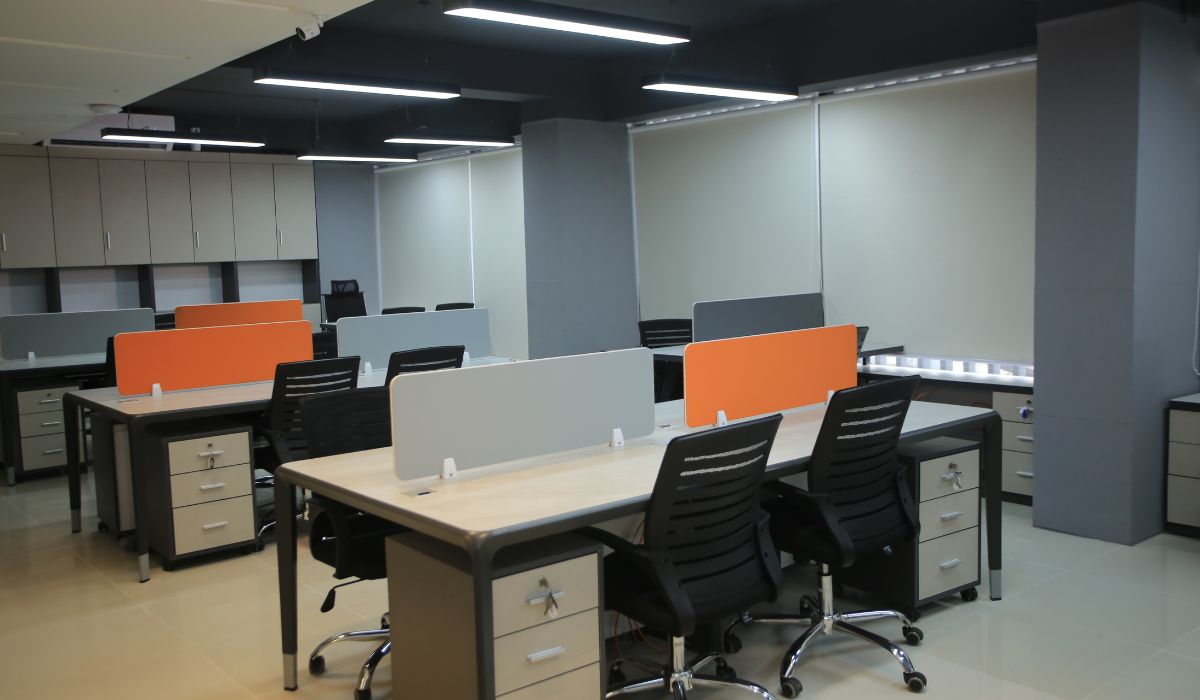
If changes to power, network, or interior layouts are needed, businesses should define the scope of work in their office interior design plan. The building’s technical conditions should also be surveyed and checked before implementation.
7. Supporting amenities for hot-desking
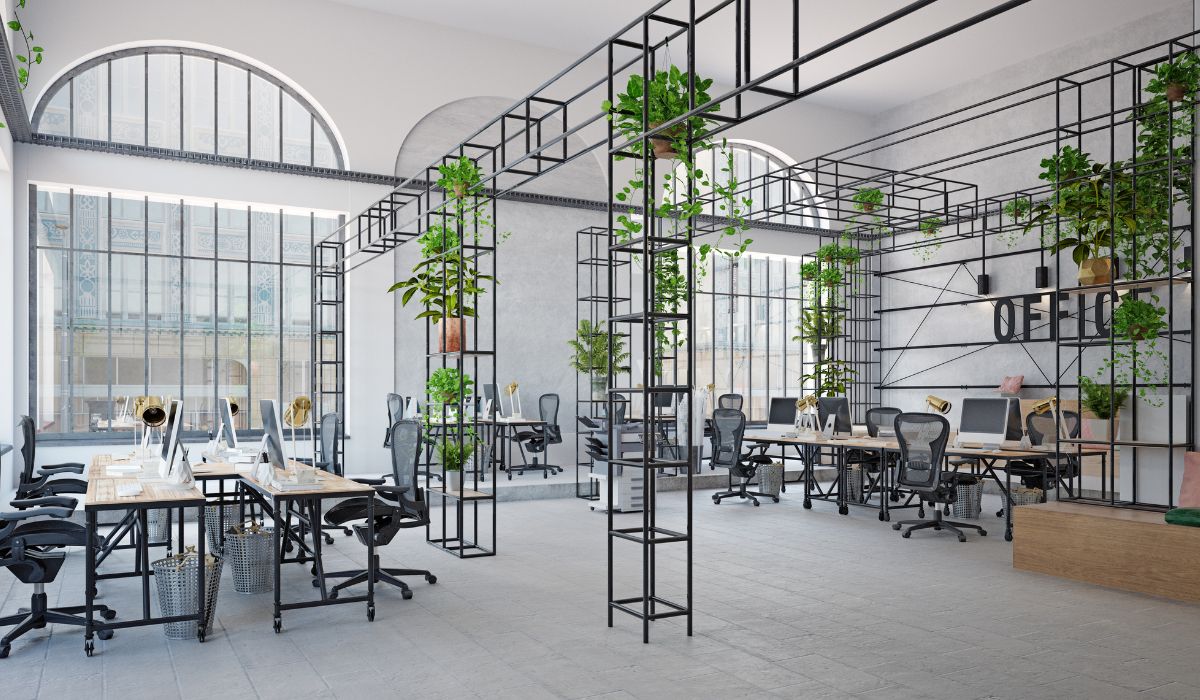
In addition to desks and network infrastructure, businesses can provide amenities for meetings, discussions, storage, and shared activities. Their selection depends on office size, employee needs, and site conditions.
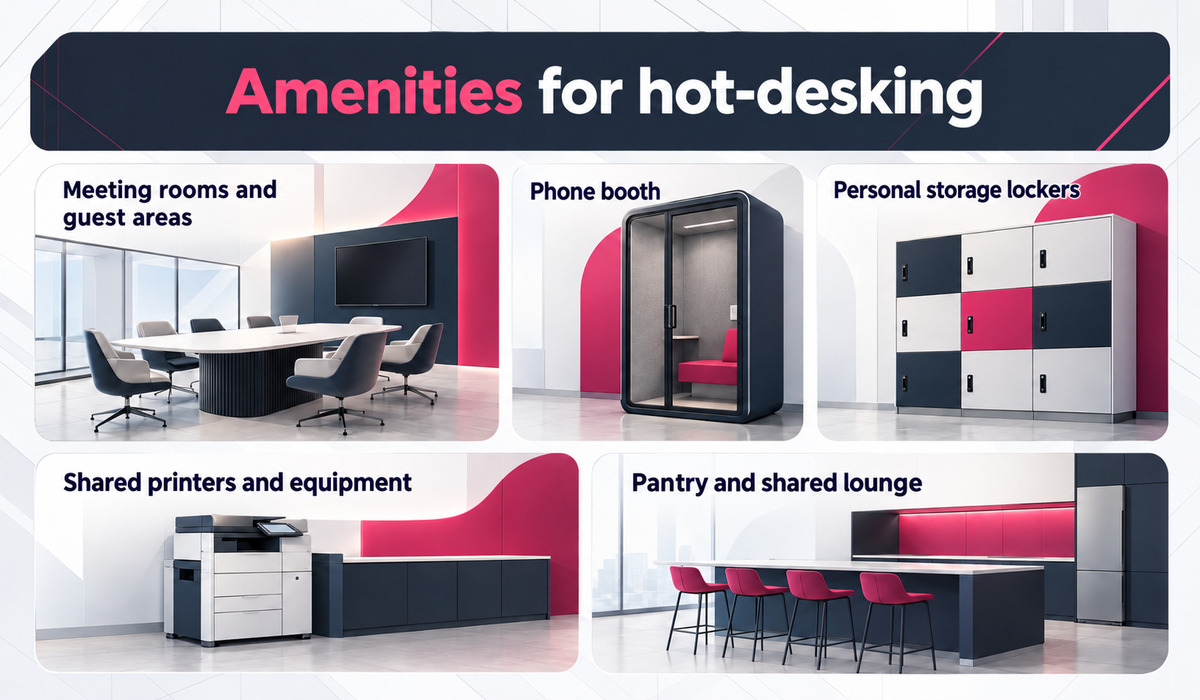
- Meeting rooms and reception areas: Support team meetings, in-person discussions, and hosting business partners. The number of rooms depends on usage frequency and meeting size.
- Phone booths: Provide a private space for calls and discussions while limiting disruption from general office noise. How much they reduce speech transmission and how well they provide ventilation depend on their design and the products used.
- Personal lockers: Give employees a place to store belongings when desks do not have drawers. Locker locations and lock types depend on asset security needs.
- Printing areas and shared equipment: Place printers and office equipment in convenient locations. Documents requiring protection may need separate access controls.
- Pantry and shared areas: Provide space for employees to rest, eat, and interact. The required size depends on the number of users and the amenities already available in the office.
Shared amenities can serve employees with assigned desks as well as those using other work areas. Businesses should define the function of each item before including it in the floor plan.
8. What does it cost to implement hot-desking in an office?
Businesses should distinguish between initial investment and operating costs after implementation. Costs depend on how much existing furniture and infrastructure can be reused and how extensively the floor plan needs to change.
8.1. Initial investment
Before estimating the investment, businesses should check which furniture, equipment, and infrastructure can remain in use. Additional costs may include:
- Desks, chairs, and accessories: Furniture and equipment that help employees adjust their workstations.
- Storage systems: Personal lockers or shared storage options.
- Power, network, and connections: Outlets, network infrastructure, and desk connection equipment.
- Floor plan adjustments: Changes to desk arrangements and support spaces where needed.
- Seat management: Software or hardware, if the business chooses to implement a management system.
The cost categories depend on the condition of each office. If the existing infrastructure is suitable, the business may only need to reallocate desks and add a few amenities. Costs should be estimated based on actual quantities, equipment specifications, and site conditions. Contingencies and additional costs should also be tied to a clearly defined scope of work.
8.2. Operating costs
After implementing hot-desking, businesses should account for the ongoing costs of maintaining and managing seats. These costs and operating resources may include:
- Cleaning and maintenance: Cleaning shared desks, maintaining equipment, and servicing items that need ongoing care.
- Equipment and booking support: Helping employees use equipment and operating a desk-booking system, if one is in place.
- Management software: Subscription fees, user access management, and administrative work.
- Sensors and tracking devices: Equipment maintenance and management of data about seat usage may be required.
- Employee guidance: Time spent training employees and resolving issues that arise as working practices change, in addition to direct costs.
To assess financial performance, businesses should compare the current and proposed arrangements using the same scope of costs, floor area, and period of use. In addition to the number of desks, they should consider both additional investment and operating costs when estimating potential savings.
>> See also: A detailed guide to accounting for office interior construction costs
9. Operating hot-desking: What to consider?
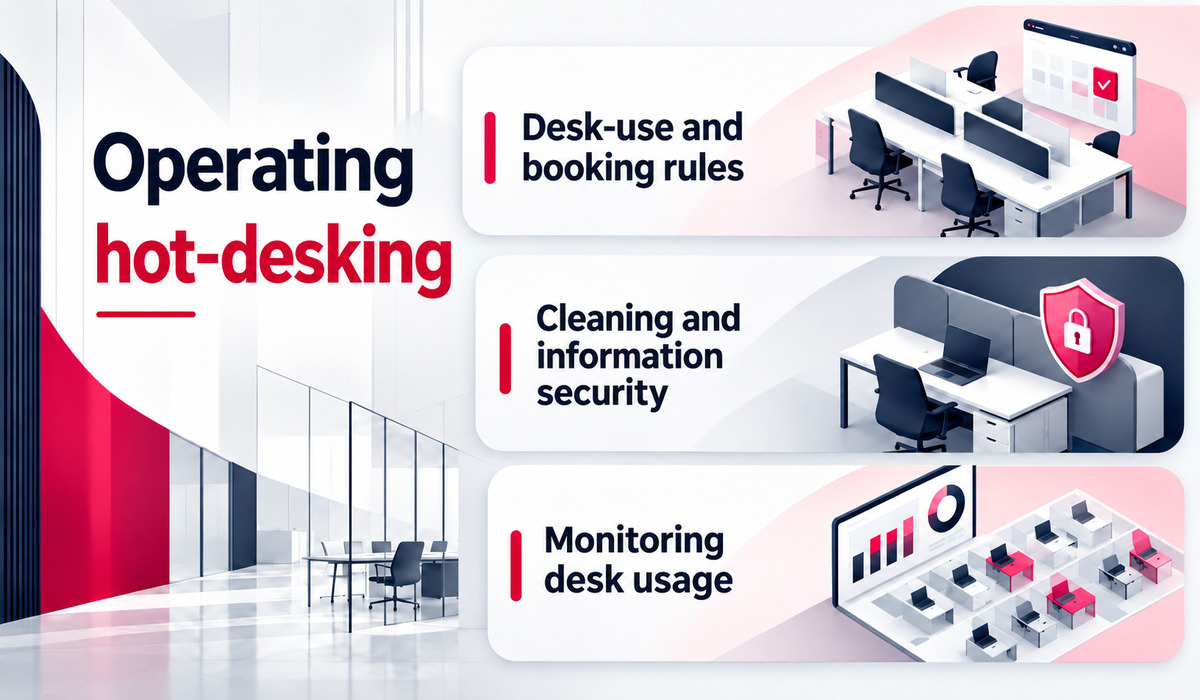
Businesses should set clear rules for booking seats, caring for equipment, and handling issues that arise when desks are shared. Operating policies should reflect office size and the needs of each employee group.
9.1. Seat use and booking rules
Businesses should define how desks are allocated, how long they can be used, and what employees are responsible for when booking. The rules should clarify:
- Allocation and usage period: Define how desks are allocated, how long they can be used, and the responsibilities of the person who books a seat.
- Booking and releasing seats: Specify how to cancel a booking, end a booking period, and handle reservations that are not used.
- Group seating: Allow group bookings or prioritize nearby seats when work requires collaboration.
- Desks with specialized equipment: Clearly identify desks that should be allocated according to equipment requirements.
If software is used, businesses should show employees how to book, cancel, and release seats through the system. The usage rules should be communicated before launch so employees understand how desks can be used and what to do when no seats are available.
9.2. Cleaning and information security
Businesses should set rules for clearing shared desks and equipment after each use. Responsibilities for cleaning desk surfaces and peripherals, as well as handling items left behind, should be clearly assigned to maintain a suitable workspace for the next employee.
Paper documents, storage devices, and sensitive information must be managed according to internal policies. Employees should store documents in approved locations and lock their devices when leaving a desk. A clean-desk policy can reduce the risk of documents being left behind, and should be supported by data security measures and access controls.
9.3. Monitoring seat demand
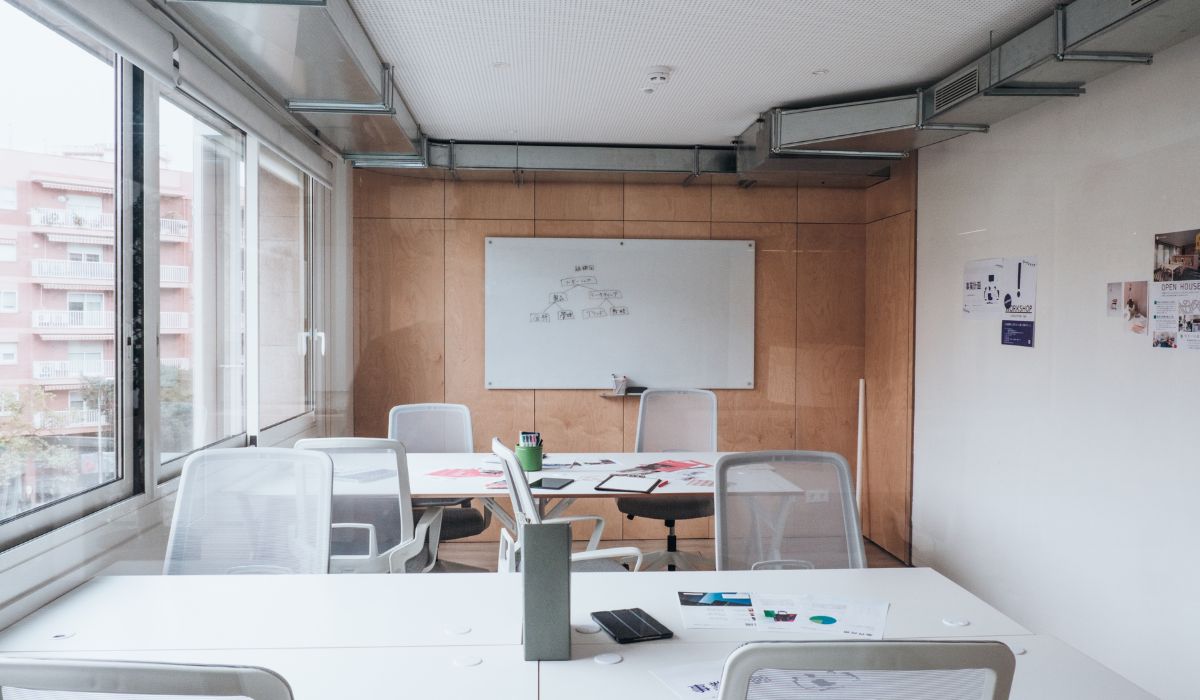
Businesses should monitor desk usage through booking schedules, actual usage records, and employee feedback. They should distinguish between desks that have been reserved and those that are actually occupied. Factors to review include:
- Days when desks are often unavailable: Identify when demand exceeds the number of available desks.
- Demand for nearby seats: Record which teams need seats close together to coordinate their work.
- Desks that are rarely selected: Identify underused desks and consider whether their layout or allocation should be adjusted.
The results can help businesses decide whether to adjust the number of desks, support spaces, or booking rules. If the system records data linked to individual employees, businesses should ensure that data collection and use comply with internal data protection policies and relevant laws.
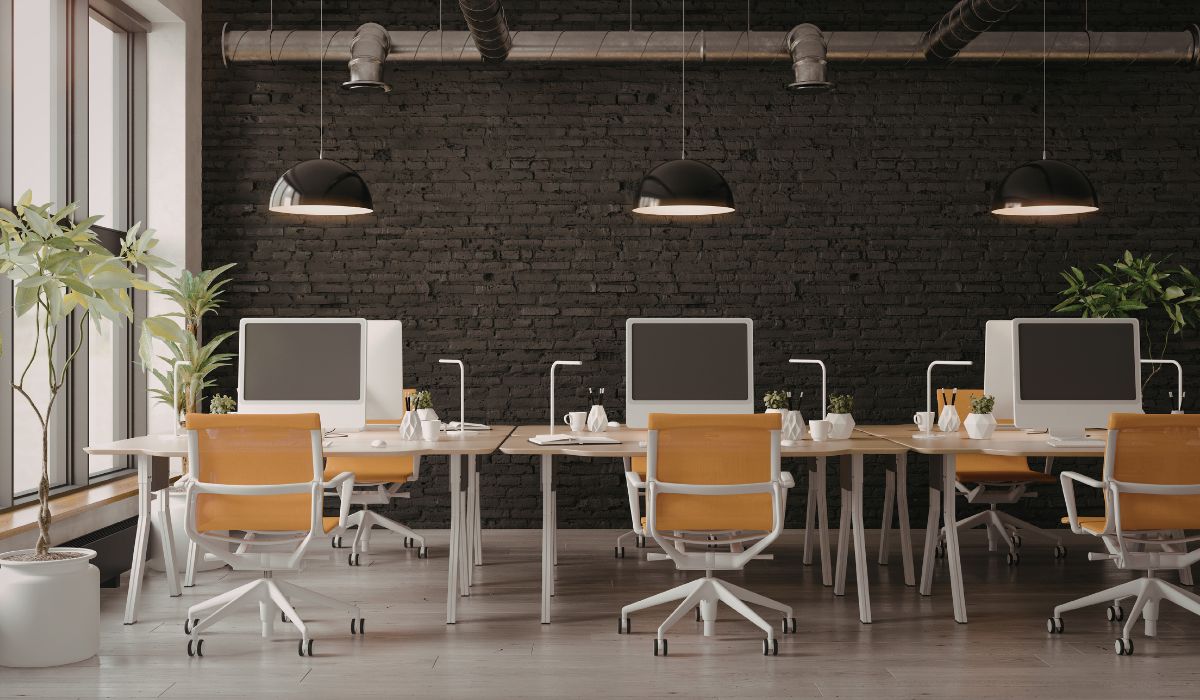
Hot-desking may suit businesses with changing attendance schedules and work that allows employees to share desks in rotation. Before implementation, businesses should consider how many people are present at the same time, the site conditions, and operating costs. For roles that require a stable location, businesses can combine shared desks with assigned desks.
10. Frequently asked questions about hot-desking (FAQ)
10.1. Can hot-desking be combined with assigned desks?
Yes. Businesses can provide shared desks for teams with variable attendance and keep assigned desks for roles that need dedicated equipment or a stable seat. Allocation depends on each team’s needs and site conditions. The different desk types should be clearly defined in the booking rules.
10.2. When should a business avoid hot-desking?
Hot-desking may be less suitable when most employees need to be in the office at the same time or when work requires assigned desks, specialized equipment, and paper document storage. Teams that regularly handle sensitive information also need appropriate security conditions. If the floor plan and infrastructure do not support changing seats, businesses should consider keeping assigned desks.
10.3. Is hot-desking suitable for small businesses?
Yes. Small businesses can use hot-desking if attendance schedules vary and employees do not need permanently assigned desks. Seat selection can be managed with simple rules, depending on the number of users. Businesses still need enough desks during peak periods, as well as suitable equipment and storage.
10.4. How is the cost of hot-desking calculated?
For an in-house setup, businesses should account for furniture, storage, power, network, equipment, floor plan adjustments, and operating costs. When renting hot-desk seats at a coworking space, the price typically depends on the number of seats, rental period, and included services. Businesses should define the arrangement before preparing a budget.
10.5. Is hot-desking more cost-effective than a private office?
Hot-desking is not automatically more cost-effective than a private office. Hot-desking is a way to use desks, while a private office is a type of workspace that can also have shared desks. When comparing rented hot-desk seats with a private office, businesses should consider the number of users, rental period, included services, and total costs on the same basis.